> For the complete documentation index, see [llms.txt](https://help.verkada.com/llms.txt). Markdown versions of documentation pages are available by appending `.md` to page URLs; this page is available as [Markdown](https://help.verkada.com/verkada-cameras/ja/insutru/camera-deployment/use-external-ir-illuminators-with-verkada-cameras.md).
# Verkadaカメラで外部IRイルミネーターを使用する
Verkadaカメラで低照度撮影機能を拡張する方法を学びます
赤外線(IR)イルミネーターは、赤外線スペクトルの光を発する装置です。IR光の波長は可視光より長いため、人間の目には見えませんが、カメラには見えます。IRイルミネーターはVerkadaカメラに内蔵されており、カメラのモデルに応じて49〜98フィート(15〜30m)の範囲をカバーします。視野内のすべての動きを撮影するために、カメラに追加の光が必要になる場合があります。
IRイルミネーターは特定の波長で出力し、Verkadaカメラは850nm帯で動作する外部IRイルミネーターに対応しています。
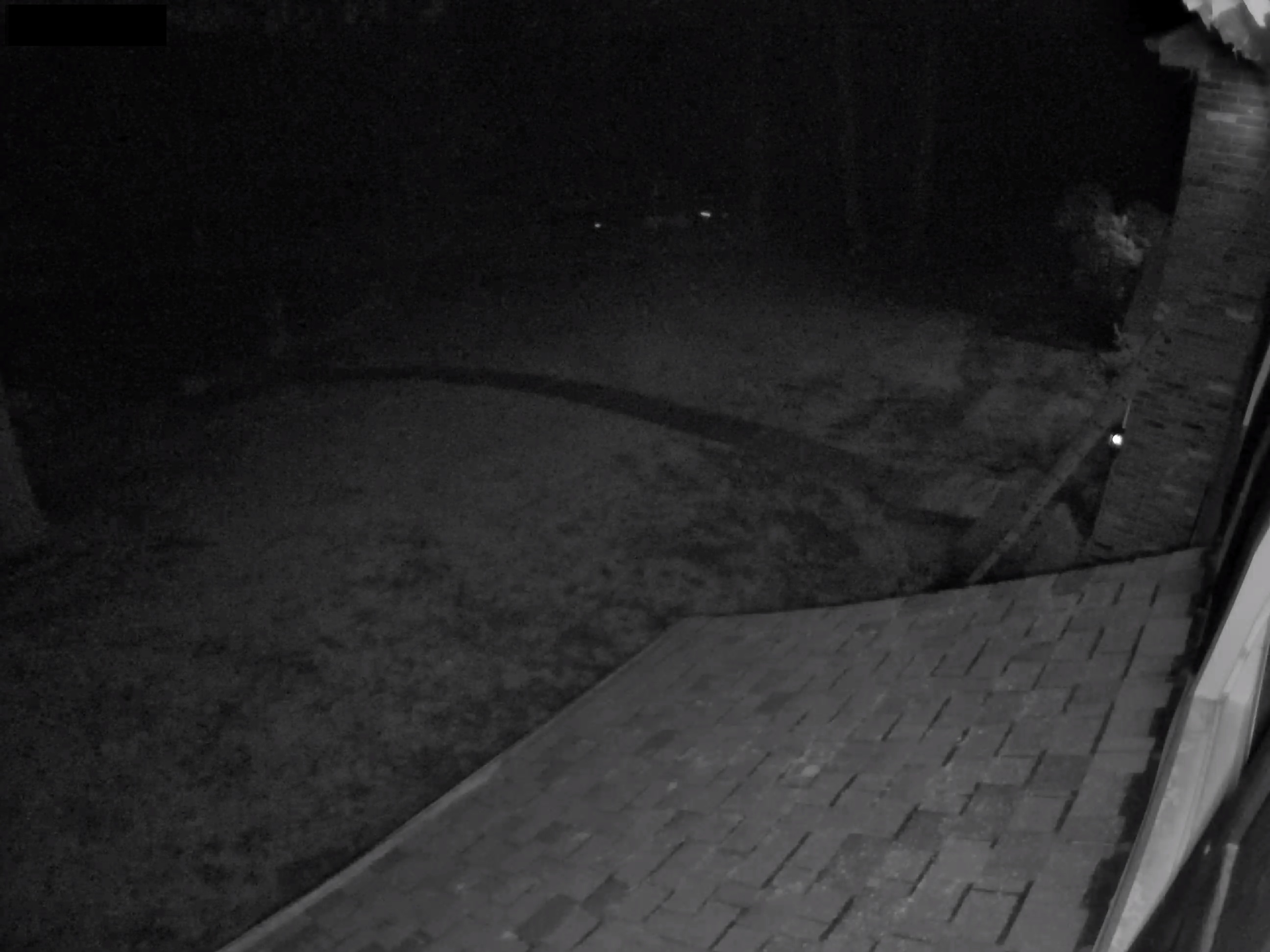
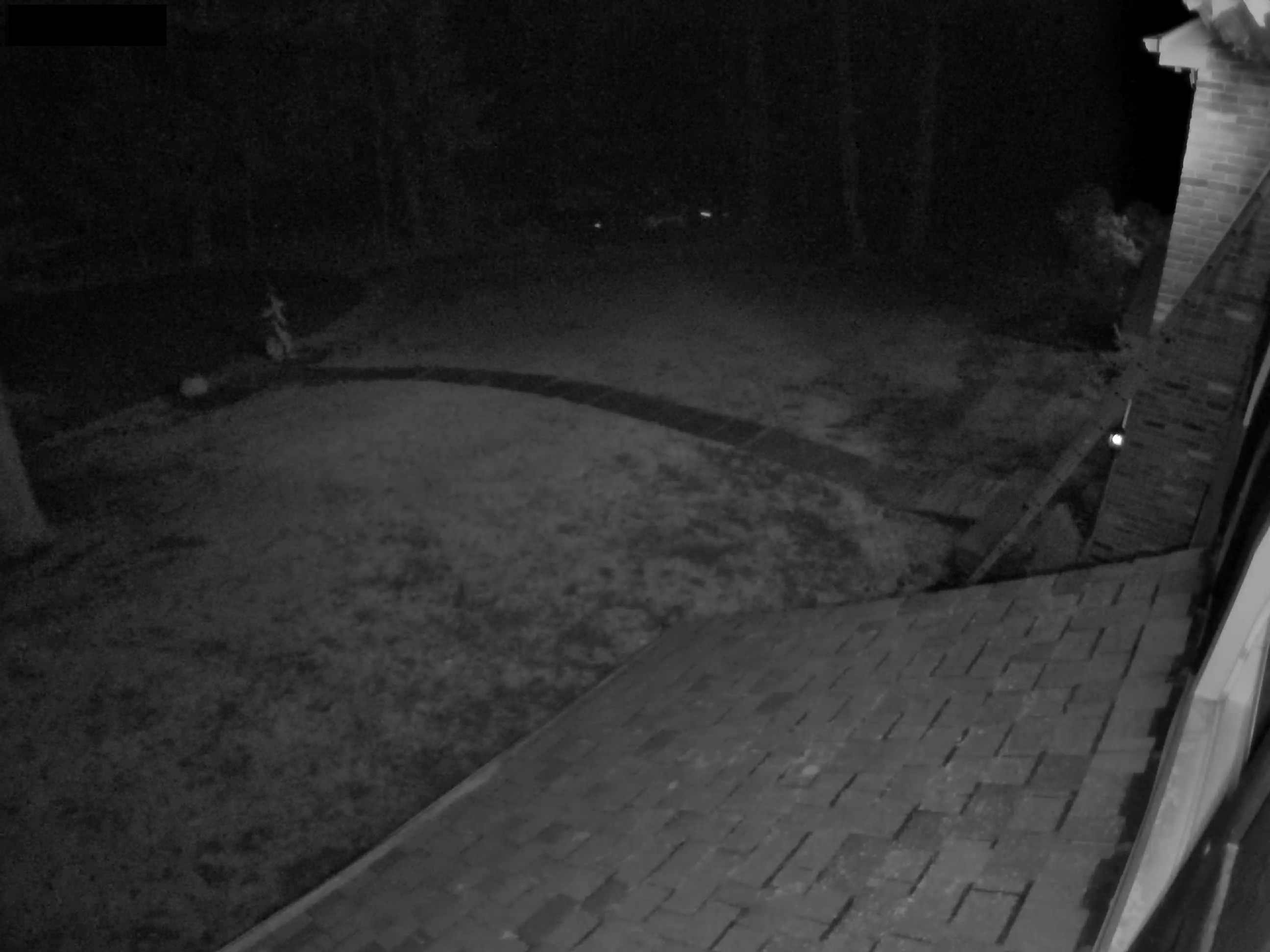
以下は、IRイルミネーターがVerkadaカメラの夜間視認性を向上させる例です。利用可能な周囲光の量によっては、より大型のIRイルミネーターを追加するとよい場合があります。
**例:外部IRイルミネーターなし**
**例:外部IRイルミネーターあり**
---
# Agent Instructions
This documentation is published with GitBook. GitBook is the documentation platform designed so that both humans and AI agents can read, navigate, and reason over technical content effectively. Learn more at gitbook.com.
## Querying This Documentation
If you need additional information that is not directly available in this page, you can query the documentation by asking a question.
Perform an HTTP GET request on the following URL with the `ask` and `goal` query parameters:
```
GET https://help.verkada.com/verkada-cameras/ja/insutru/camera-deployment/use-external-ir-illuminators-with-verkada-cameras.md?ask=&goal=
```
`ask` is the immediate question: it should be specific, self-contained, and written in natural language.
`goal` is what the user is ultimately trying to achieve, the reason they need the answer. Sharing it helps GitBook give you a better, more relevant answer. A goal is most helpful when it describes the outcome the user wants rather than restating the question. For example, with `ask=how do I create an API token`, a goal like `automate deployments from our CI pipeline` lets GitBook tailor the answer to that use case.
The response will contain a direct answer to the question and relevant excerpts and sources from the documentation.
Use this mechanism when the answer is not explicitly present in the current page, you need clarification or additional context, or you want to retrieve related documentation sections.