> For the complete documentation index, see [llms.txt](https://help.verkada.com/llms.txt). Markdown versions of documentation pages are available by appending `.md` to page URLs; this page is available as [Markdown](https://help.verkada.com/verkada-cameras/ja/bideonosutorminguto/view-historical-footage/authenticate-verkada-video-footage.md).
# Verkada のビデオ映像を認証する
Verkada Command からダウンロードしたビデオアーカイブの整合性を確認する方法を学ぶ
Verkada Verify は、Verkada Command からダウンロードされたセキュリティ映像の完全性を確認する、あなたのオーガナイゼーション'の取り組みを支援する機能です。この機能により、Verkada のビデオアーカイブを受け取った人は、Verkada を利用していないユーザーを含め、アーカイブされたクリップが改ざんされた可能性があるかどうかをすばやく確認できます。お客様が Verify を利用する方法には、法執行機関、弁護士、その他の映像証拠を管理する人々と動画を共有することなどがあります。\
Verkada Verify は次の URL でアクセスできます [command.verkada.com/verify](http://command.verkada.com/verify)。ログインやソフトウェアのダウンロードは不要です。
***
## 検証する動画を選択してください
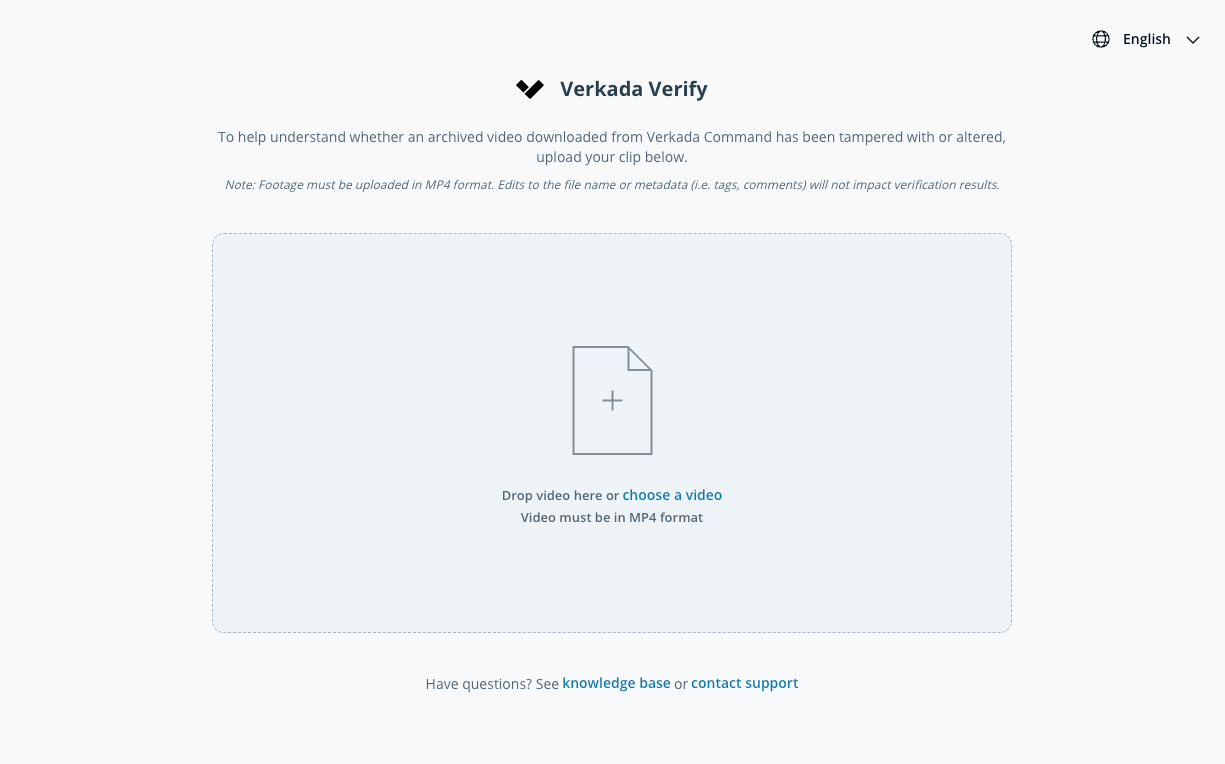
アーカイブ済みの動画をアップロードして、Verkada Command からダウンロードしたアーカイブ済みの動画が改ざんまたは変更されていないかを確認してください。
{% stepper %}
{% step %}
**移動先** [**command.verkada.com/verify**](https://command.verkada.com/verify) **お使いのウェブブラウザーから。**
{% endstep %}
{% step %}
**検証したい Verkada Command の動画アーカイブを、動画をボックスにドラッグ&ドロップするか、ローカルドライブ上の動画を選択してアップロードしてください。**
{% hint style="warning" %}
Google Drive、Dropbox、OneDrive などのクラウド ストレージ サービスにアップロードされた動画はサポートされていません。映像は MP4 形式でアップロードする必要があります。
{% endhint %}
{% endstep %}
{% step %}
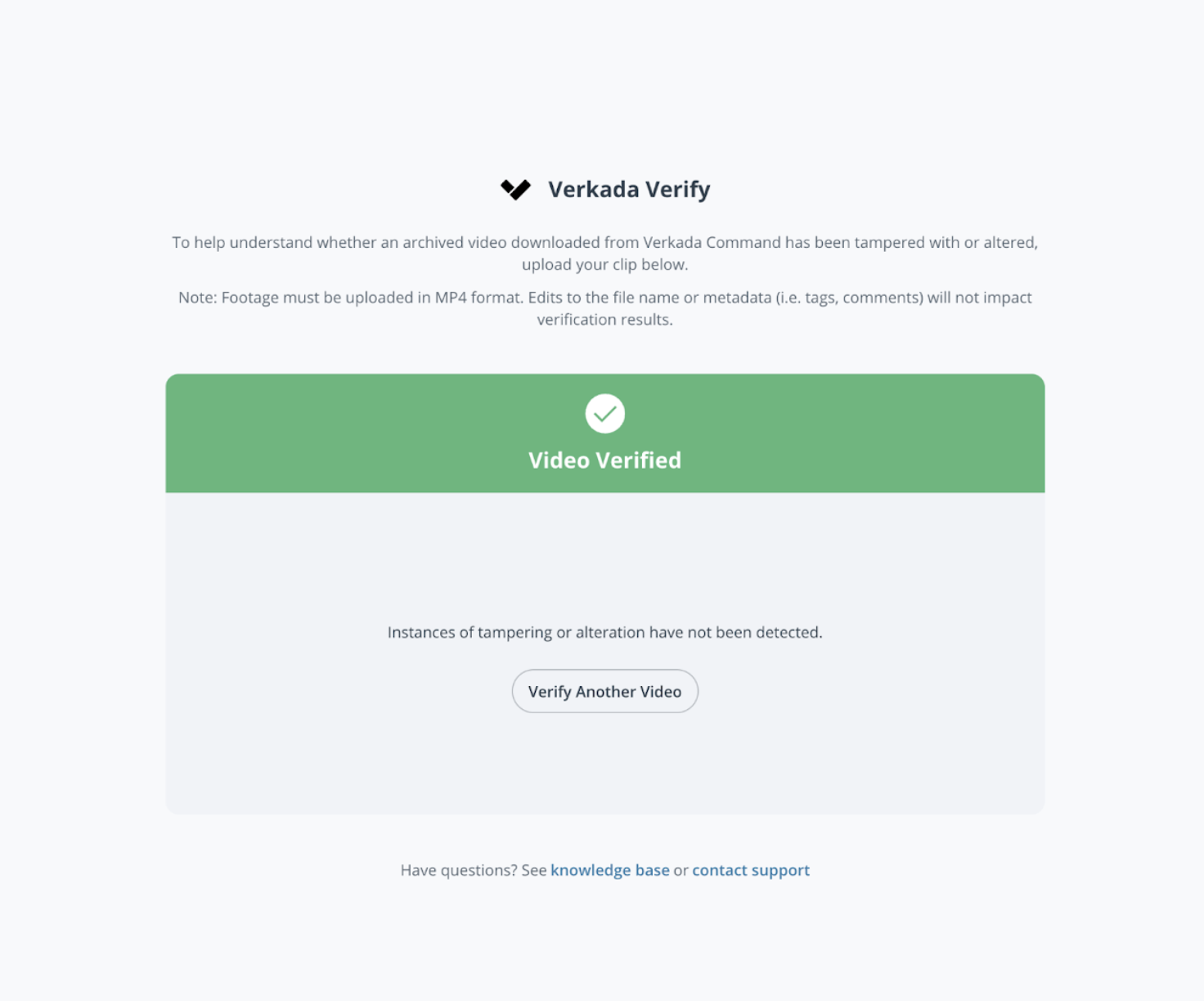
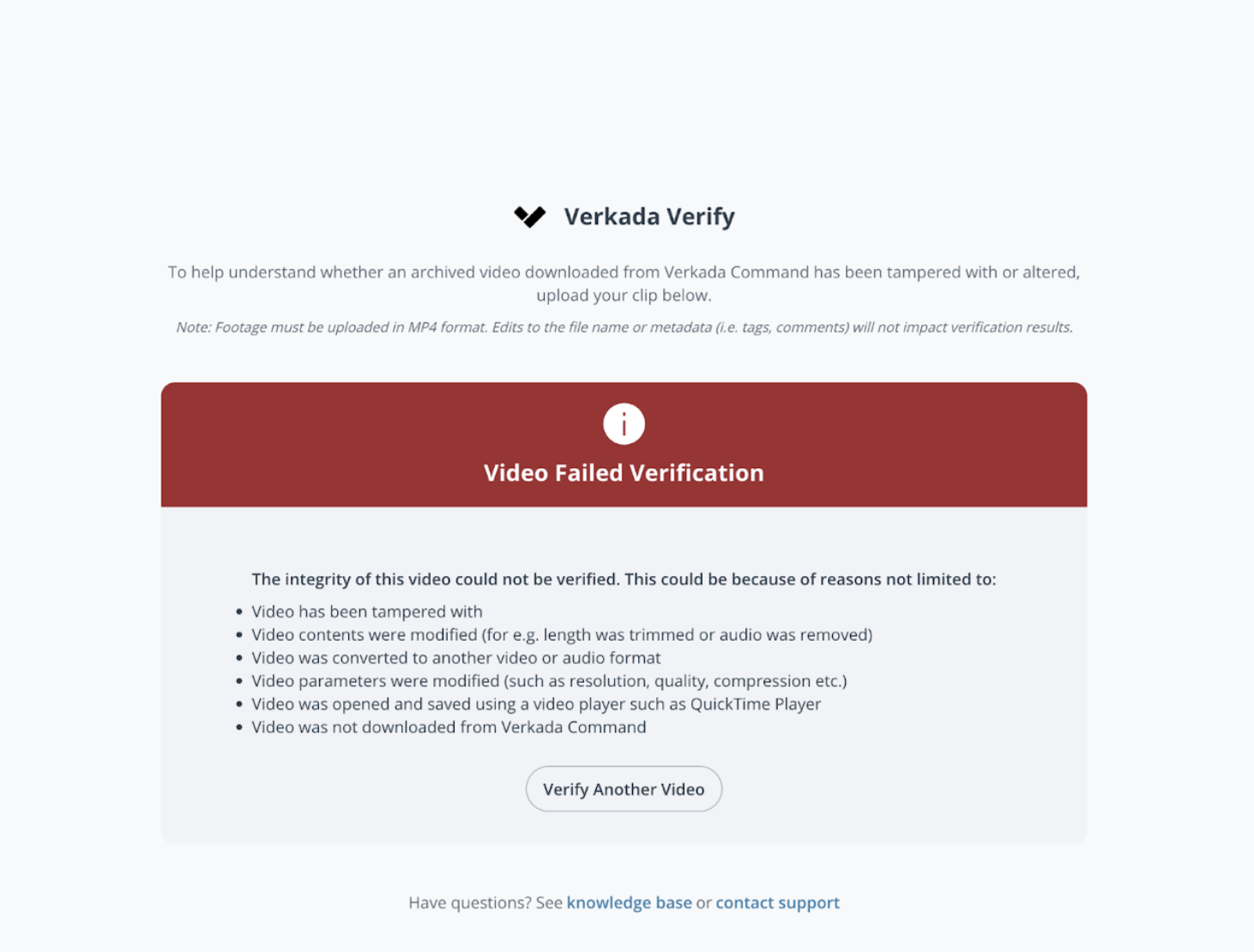
**アップロード完了から数秒以内に、Verkada Verify がアップロードされた動画が Verkada Command の元のアーカイブ済み動画と一致するかを確認し、結果を表示します。**
{% endstep %}
{% endstepper %}
---
# Agent Instructions
This documentation is published with GitBook. GitBook is the documentation platform designed so that both humans and AI agents can read, navigate, and reason over technical content effectively. Learn more at gitbook.com.
## Querying This Documentation
If you need additional information that is not directly available in this page, you can query the documentation dynamically by asking a question.
Perform an HTTP GET request on the current page URL with the `ask` query parameter, and the optional `goal` query parameter:
```
GET https://help.verkada.com/verkada-cameras/ja/bideonosutorminguto/view-historical-footage/authenticate-verkada-video-footage.md?ask=&goal=
```
`ask` is the immediate question: it should be specific, self-contained, and written in natural language.
`goal` is optional and describes the broader end goal you are ultimately trying to accomplish on behalf of the user. GitBook uses it to tailor the answer towards what is most useful for that goal.
The response will contain a direct answer to the question and relevant excerpts and sources from the documentation.
Use this mechanism when the answer is not explicitly present in the current page, you need clarification or additional context, or you want to retrieve related documentation sections.