> For the complete documentation index, see [llms.txt](https://help.verkada.com/llms.txt). Markdown versions of documentation pages are available by appending `.md` to page URLs; this page is available as [Markdown](https://help.verkada.com/verkada-cameras/es/transmision-y-uso-compartido-de-video/view-historical-footage/authenticate-verkada-video-footage.md).
# Autenticar la grabación de video de Verkada
Aprende a verificar la integridad de los archivos de video descargados desde Verkada Command
Verkada Verify es una función que respalda los esfuerzos de su organización para verificar la integridad de la grabación de seguridad descargada de Verkada Command. Esta función permite que cualquier persona que haya recibido un archivo de video de Verkada, incluidos los usuarios que no son de Verkada, pueda comprobar rápidamente si el clip archivado pudo haber sido manipulado. Algunas formas en que nuestros clientes pueden usar Verify incluyen compartir video con las fuerzas del orden, abogados y otras personas que gestionan pruebas de seguridad en video.\
Se puede acceder a Verkada Verify en [command.verkada.com/verify](http://command.verkada.com/verify). No se requiere iniciar sesión ni descargar software.
***
## Seleccione un video para verificación
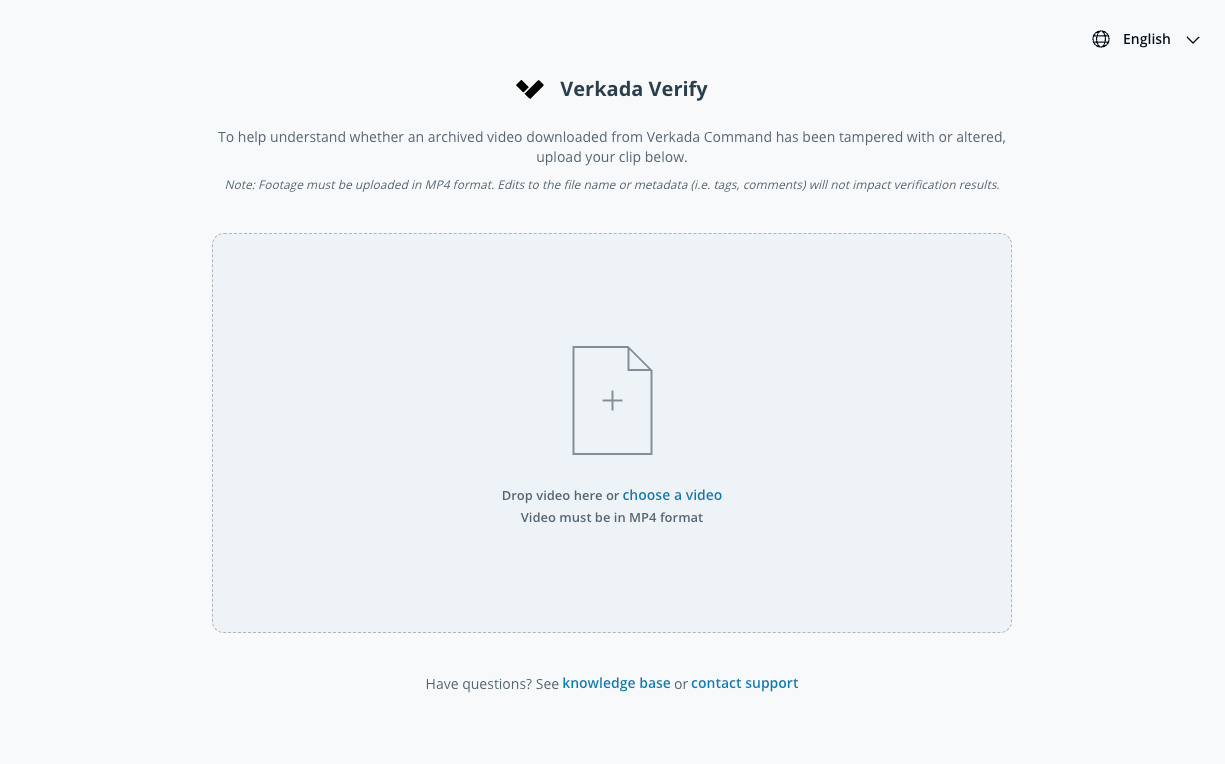
Cargue un video archivado para ayudar a entender si un video archivado descargado de Verkada Command ha sido manipulado o alterado.
{% stepper %}
{% step %}
**Vaya a** [**command.verkada.com/verify**](https://command.verkada.com/verify) **desde su navegador web.**
{% endstep %}
{% step %}
**Seleccione el archivo de video de Verkada Command que desea verificar arrastrando su video al cuadro o eligiendo un video en su unidad local para cargarlo.**
{% hint style="warning" %}
No se admiten los videos cargados en servicios de almacenamiento en la nube, como Google Drive, Dropbox o OneDrive. La grabación debe cargarse en formato MP4.
{% endhint %}
{% endstep %}
{% step %}
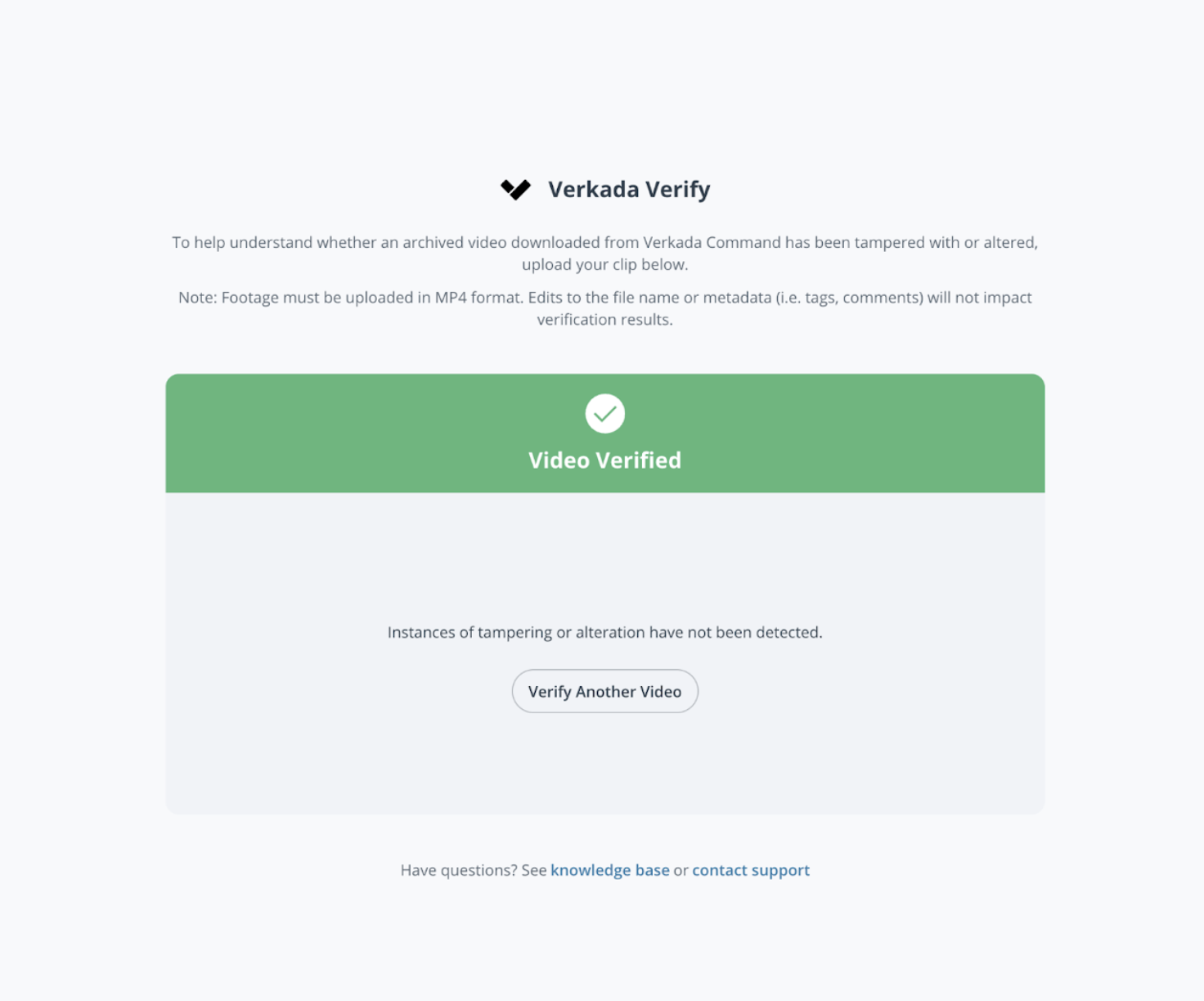
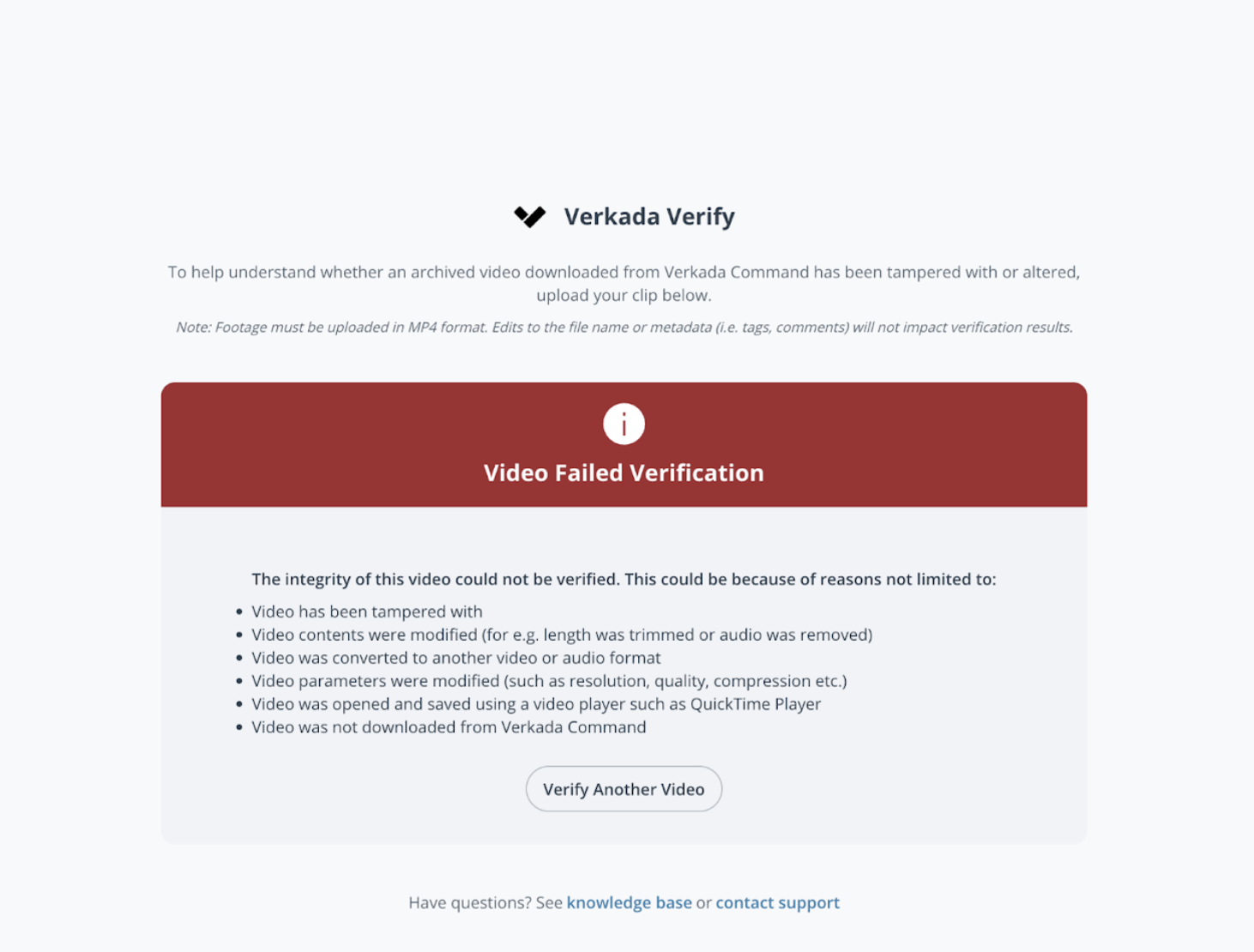
**En cuestión de segundos de que se complete la carga, Verkada Verify comprueba si el video cargado coincide con el video archivado original de Verkada Command y muestra el resultado.**
{% endstep %}
{% endstepper %}
---
# Agent Instructions
This documentation is published with GitBook. GitBook is the documentation platform designed so that both humans and AI agents can read, navigate, and reason over technical content effectively. Learn more at gitbook.com.
## Querying This Documentation
If you need additional information that is not directly available in this page, you can query the documentation dynamically by asking a question.
Perform an HTTP GET request on the current page URL with the `ask` query parameter, and the optional `goal` query parameter:
```
GET https://help.verkada.com/verkada-cameras/es/transmision-y-uso-compartido-de-video/view-historical-footage/authenticate-verkada-video-footage.md?ask=&goal=
```
`ask` is the immediate question: it should be specific, self-contained, and written in natural language.
`goal` is optional and describes the broader end goal you are ultimately trying to accomplish on behalf of the user. GitBook uses it to tailor the answer towards what is most useful for that goal.
The response will contain a direct answer to the question and relevant excerpts and sources from the documentation.
Use this mechanism when the answer is not explicitly present in the current page, you need clarification or additional context, or you want to retrieve related documentation sections.