> For the complete documentation index, see [llms.txt](https://help.verkada.com/llms.txt). Markdown versions of documentation pages are available by appending `.md` to page URLs; this page is available as [Markdown](https://help.verkada.com/intercom/installation/td5363-intercom-lens-cover-replacement.md).
# TD53/63 Intercom Lens Cover Replacement
Remove the TD53/63 lens cover for cleaning or replacement
* T6H/TR6 torx driver (also listed as TR6 in an iFixit case)
* PH0 Philips driver
***
**Replacement**
{% stepper %}
{% step %}
**Use the T6H/TR6 torx driver to remove the screw at the bottom of the lens cover shroud.**
{% endstep %}
{% step %}
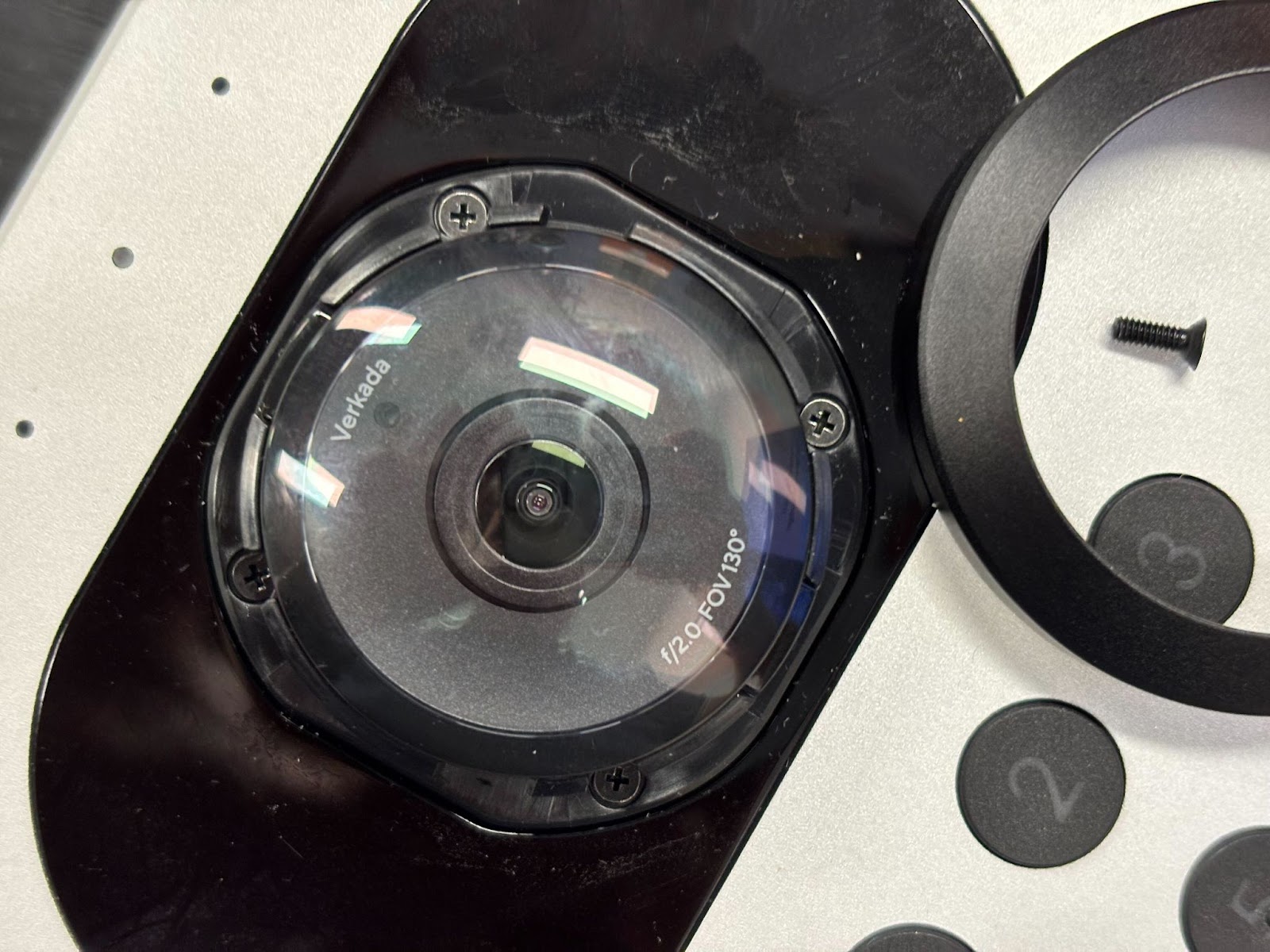
**Rotate the lens shroud counterclockwise about 45 degrees, then remove and retain the locking shroud and Torx screw. The shroud should come off easily; if not, gently wiggle it to find the release point.**
{% endstep %}
{% step %}
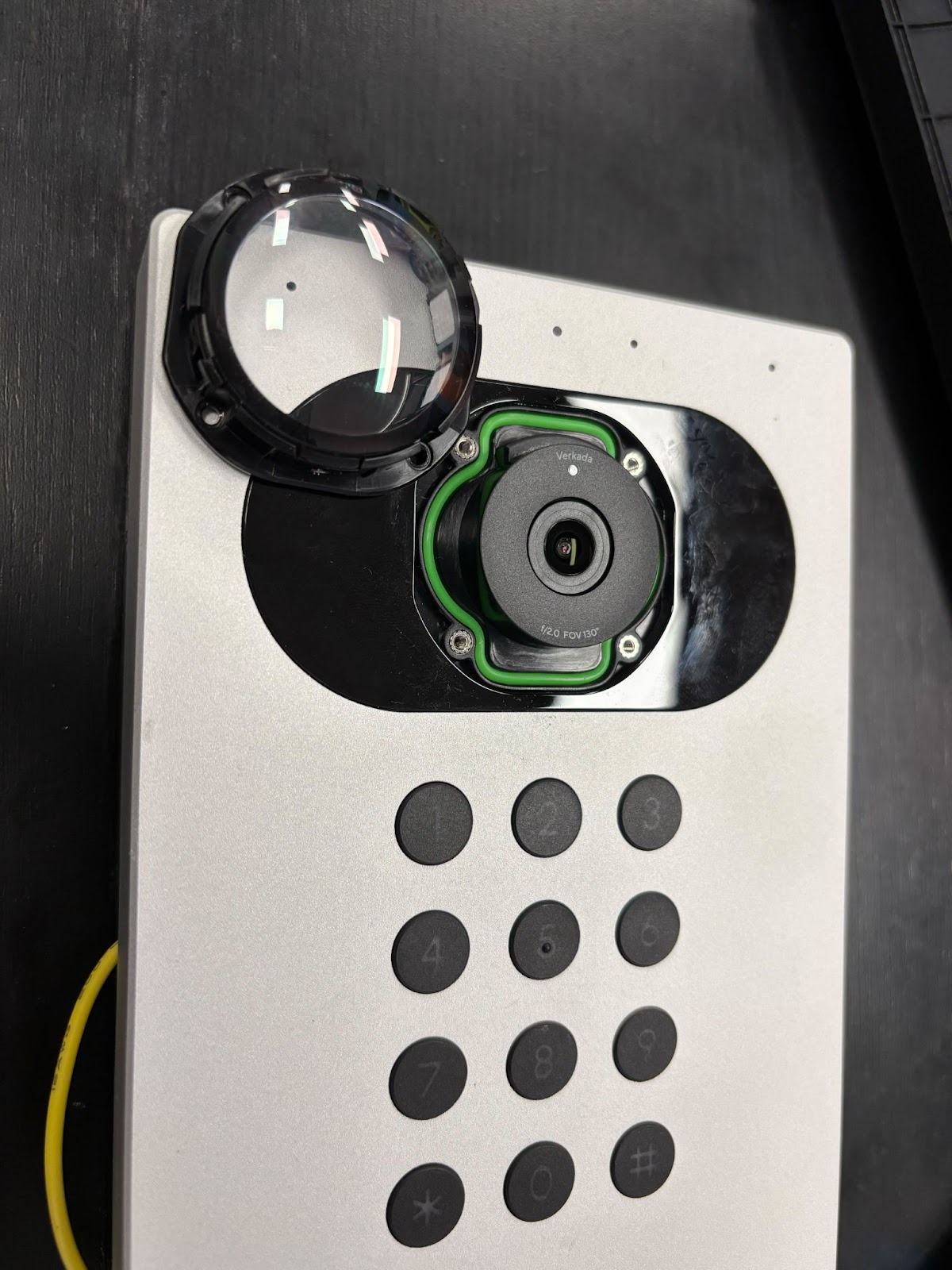
**Remove the four screws on the perimeter of the lens cover with the PH0 driver.**