> For the complete documentation index, see [llms.txt](https://help.verkada.com/llms.txt). Markdown versions of documentation pages are available by appending `.md` to page URLs; this page is available as [Markdown](https://help.verkada.com/incident-response/ja/hajimeni/inshidentowottewosuru.md).
# インシデント対応を使って訓練を実施する
いつでも対応テンプレートを練習できます。
Verkada Incident Response で訓練を実施すると、スタッフは緊急時に迅速かつ自信を持って対応できるようになります。管理者は Command で訓練を開始し、現実の対応シナリオをシミュレーションし、演習後の分析を確認し、次のものに沿った再会ワークフローを管理できます *I Love U Guys* Foundationの [SRM-REx](https://iloveuguys.org/Reunification-Exercise.html) フレームワーク。
{% hint style="success" %}
Response の訓練を実施する前に、サイトには次が必要です。 [設定済みの Response Template](/incident-response/ja/she-ding/create-response-templates.md) および [Workplace の従業員が割り当てられている](/incident-response/ja/hajimeni/get-started-with-incident-response.md#workplace-employees).
{% endhint %}
***
## 訓練を開始
{% hint style="danger" %}
次のものが必要です。 **Workplace サイト管理者** ロールまたは[ 明示的な権限が **Response を開始する** ](https://help.verkada.com/command/users-and-permissions/roles-and-permissions-for-command/custom-roles#workplace)Command から訓練を開始するために。
{% endhint %}
{% stepper %}
{% step %}
**Verkada Command で、All Products > Workplace > Response に移動します。**
{% endstep %}
{% step %}
**Incident Response ホームで、「模擬訓練を実施」をクリックします。**
{% endstep %}
{% step %}
**生徒データのオプションを選択し、\[次へ] をクリックします。**
Reunification が有効な Response Template を少なくとも 1 つ備えたサイトでは、管理者は実際の学校データまたは次のものに沿ったサンプル生徒データのいずれかを使用して訓練を実施できます。 *I Love U Guys* [SRM-REx 演習](https://iloveuguys.org/Reunification-Exercise.html).
次を使用した再会訓練の詳細は、 *I Love U Guys* サンプルデータ [こちら](https://help.verkada.com/incident-response/~/revisions/7I3tEQ8Z5Fam4stqRJc6/getting-started/running-drills-with-incident-response/best-practices-for-running-reunification-exercises).
{% endstep %}
{% step %}
**Response Template を選択します。**
{% endstep %}
{% step %}
**従業員通知のオプションを選択します。**
{% endstep %}
{% step %}
**\[訓練を実行] をクリックします。**
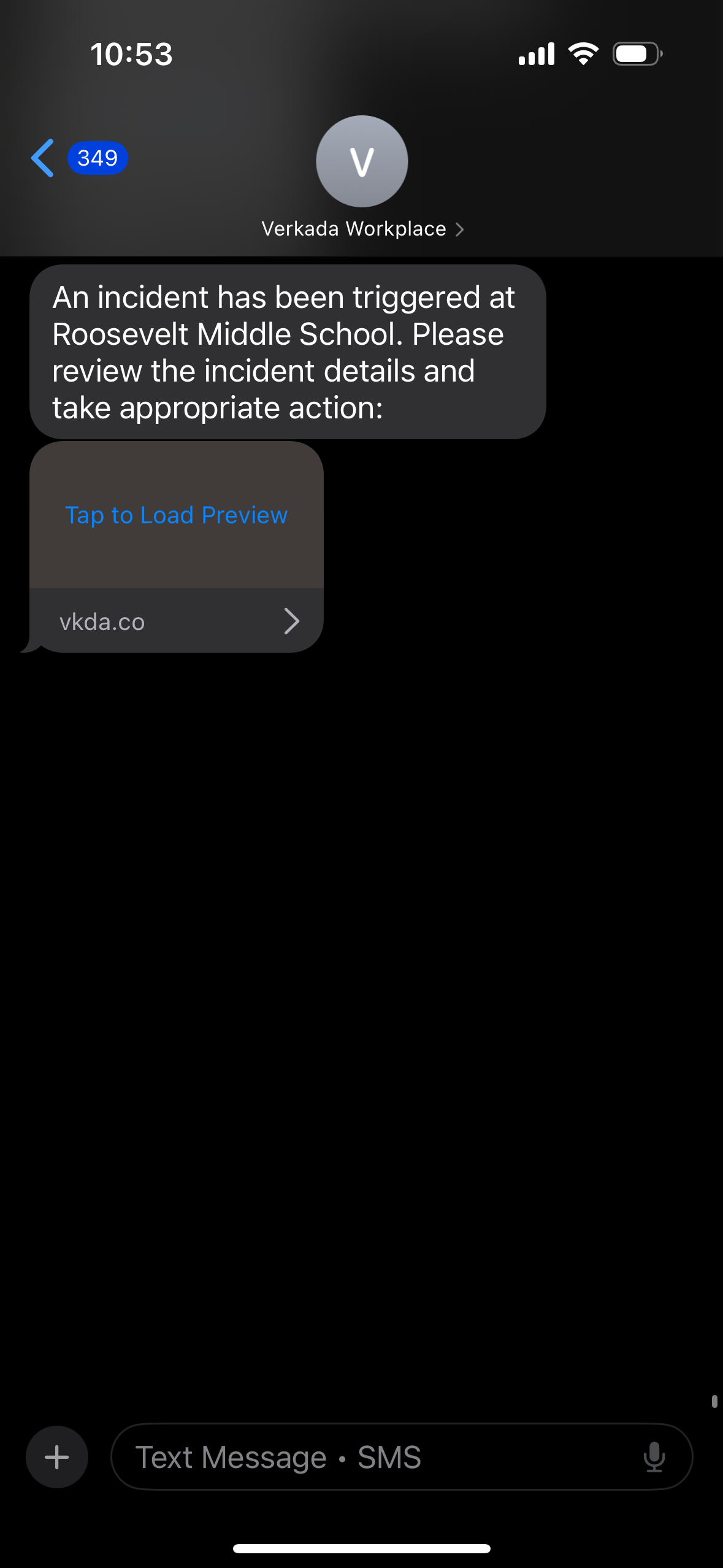
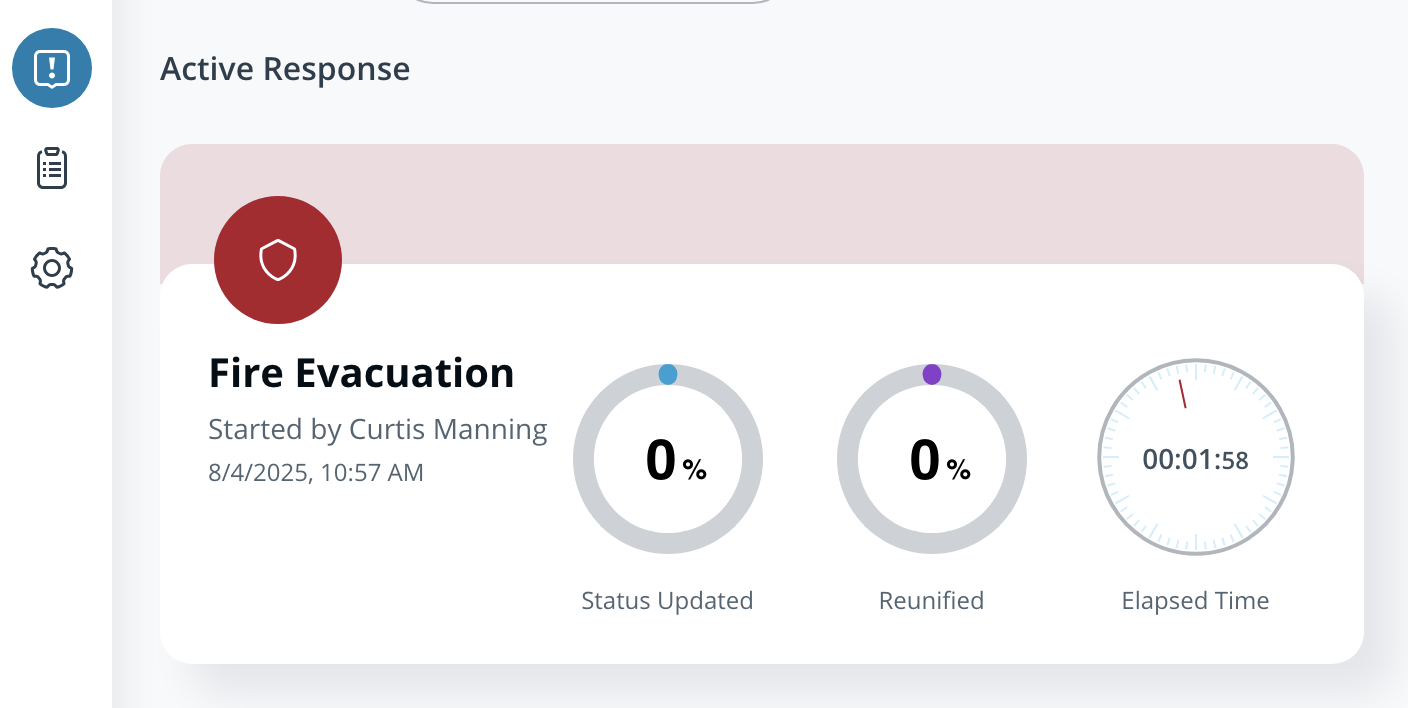
訓練で従業員通知が有効だった場合、すべての従業員に、次のポータルへのマジックリンクを含む通知が送信されます。 [Incident Response ポータル](/incident-response/ja/hajimeni/incident-response-portal.md).
{% endstep %}
{% endstepper %}
***
## 訓練を終了
{% hint style="danger" %}
次のものが必要です。 **Workplace サイト管理者** ロールまたは [明示的な権限](/command/ja/yzto/roles-and-permissions-for-command/custom-roles.md#workplace) する **Response を終了する** Command から訓練を終了するために。
{% endhint %}
{% stepper %}
{% step %}
**Verkada Command で、All Products > Workplace > Incident Response に移動します。**
{% endstep %}
{% step %}
**Incident Response ホームで、アクティブな Response をクリックします。**
{% endstep %}
{% step %}
**右上で、\[終了] をクリックします。**
{% endstep %}
{% step %}
**確認メニューで、\[インシデントを終了] を選択します。**
{% endstep %}
{% endstepper %}
実際の Response と同様に、訓練の Response を終了すると、Incident Response ポータルでのそれ以上の変更はロックされます。
***
## FAQ
Incident Response は訓練中にスタッフに通知しますか?
管理者は、訓練を開始する前にスタッフへ通知するかどうかを選択できます。有効にすると、Incident Response は設定済みの電話番号を持つスタッフに、メールと SMS でログイン用リンクを送信します。
Incident Response は訓練中に生徒の更新情報を保護者連絡先に通知しますか?
いいえ、Incident Response が生徒の更新情報を保護者連絡先と共有するのは、実際の Response のみです。
---
# Agent Instructions
This documentation is published with GitBook. GitBook is the documentation platform designed so that both humans and AI agents can read, navigate, and reason over technical content effectively. Learn more at gitbook.com.
## Querying This Documentation
If you need additional information that is not directly available in this page, you can query the documentation by asking a question.
Perform an HTTP GET request on the following URL with the `ask` and `goal` query parameters:
```
GET https://help.verkada.com/incident-response/ja/hajimeni/inshidentowottewosuru.md?ask=&goal=
```
`ask` is the immediate question: it should be specific, self-contained, and written in natural language.
`goal` is what the user is ultimately trying to achieve, the reason they need the answer. Sharing it helps GitBook give you a better, more relevant answer. A goal is most helpful when it describes the outcome the user wants rather than restating the question. For example, with `ask=how do I create an API token`, a goal like `automate deployments from our CI pipeline` lets GitBook tailor the answer to that use case.
The response will contain a direct answer to the question and relevant excerpts and sources from the documentation.
Use this mechanism when the answer is not explicitly present in the current page, you need clarification or additional context, or you want to retrieve related documentation sections.