# Commandからの返信を確認する
Command では、アクティブおよび過去の Response を管理し、主要指標を確認し、避難者と保護者を追跡し、実行された操作の完全なログにアクセスできます。これらのツールにより、Workplace Site Admin は Incident Response プロセスの各段階を監視および管理するための中央ビューを得られます。
{% hint style="danger" %}
Analytics ページを表示するには、少なくとも Workplace Site Admin の権限が必要です。
{% endhint %}
***
## Analytics
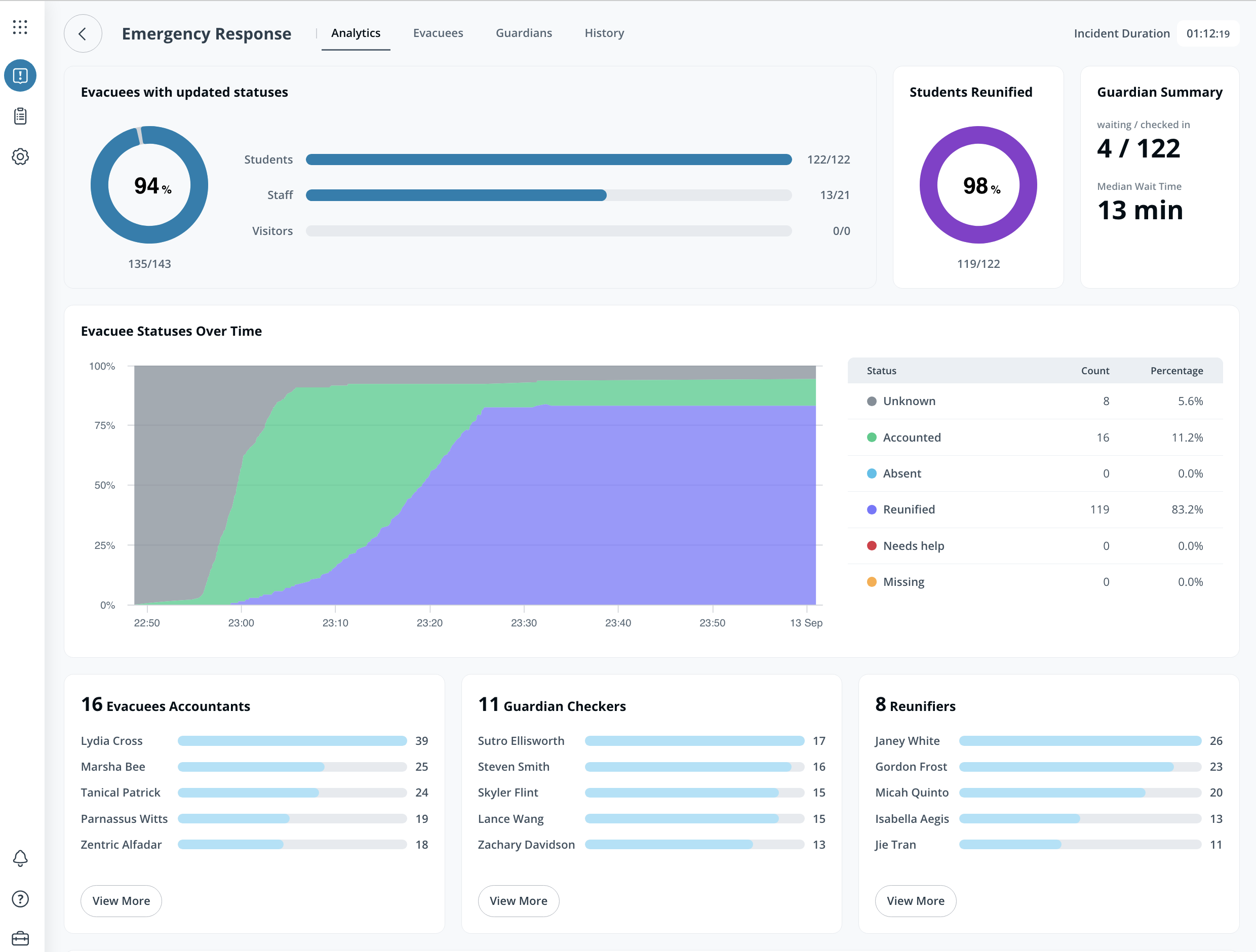
The **Analytics** ページには、各 Response の主要指標が表示されます。内容は次のとおりです:
* 人物タイプ別に更新された避難者数(学生、スタッフ、または訪問者)
* ステータス別の避難者総数
* 各スタッフメンバーが更新した一意の避難者総数
***
## 避難者
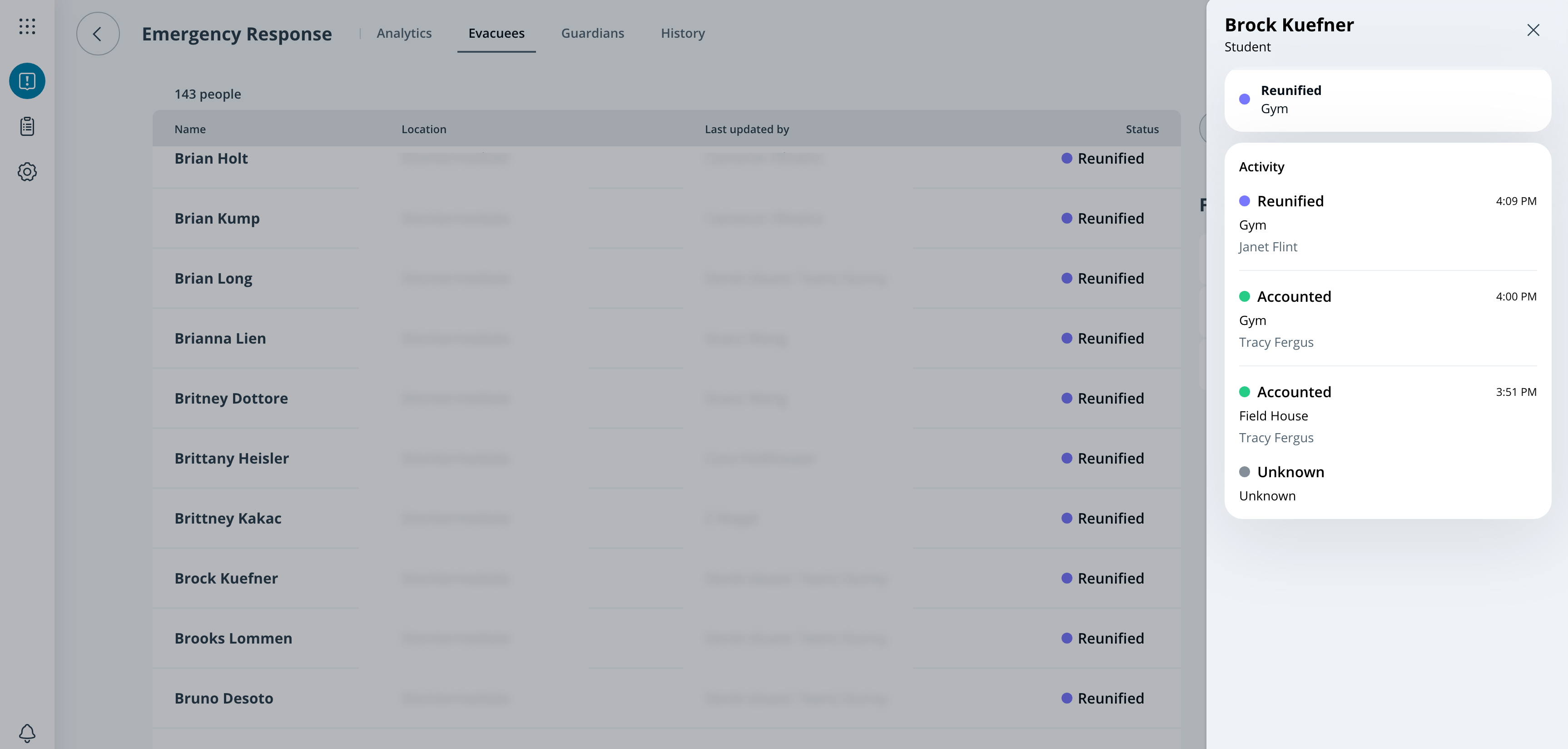
Workplace Site Admin は、すべての避難者のステータスと更新内容を **避難者** ページで確認できます。管理者は、避難者一覧をステータス、場所、クラスセクションで絞り込めます。
***
### 保護者
従業員には、 **保護者** Reunification が有効になっている Response Templates のページが表示されます。これにより、Workplace Site Admin はサインインしたすべての保護者とその詳細を確認できます。
***
## 履歴
The **履歴** ページには、1 つの Response に対して Incident Response Portal で実行されたすべての操作が表示されます。ログはこのページから .json ファイルとしてエクスポートできます。
{% stepper %}
{% step %}
**Verkada Command で、All Products > Workplace Incident Response に移動します。**
{% endstep %}
{% step %}
**Response を選択します。**
{% endstep %}
{% step %}
**上部で、History を選択します。**
{% endstep %}
{% step %}
**右上で、Export logs を選択します。**
{% endstep %}
{% endstepper %}