> For the complete documentation index, see [llms.txt](https://help.verkada.com/llms.txt). Markdown versions of documentation pages are available by appending `.md` to page URLs; this page is available as [Markdown](https://help.verkada.com/guest/ja/she-ding/guest-events/gesutoibentonowokereru.md).
# ゲストイベントの当日参加者を受け入れる
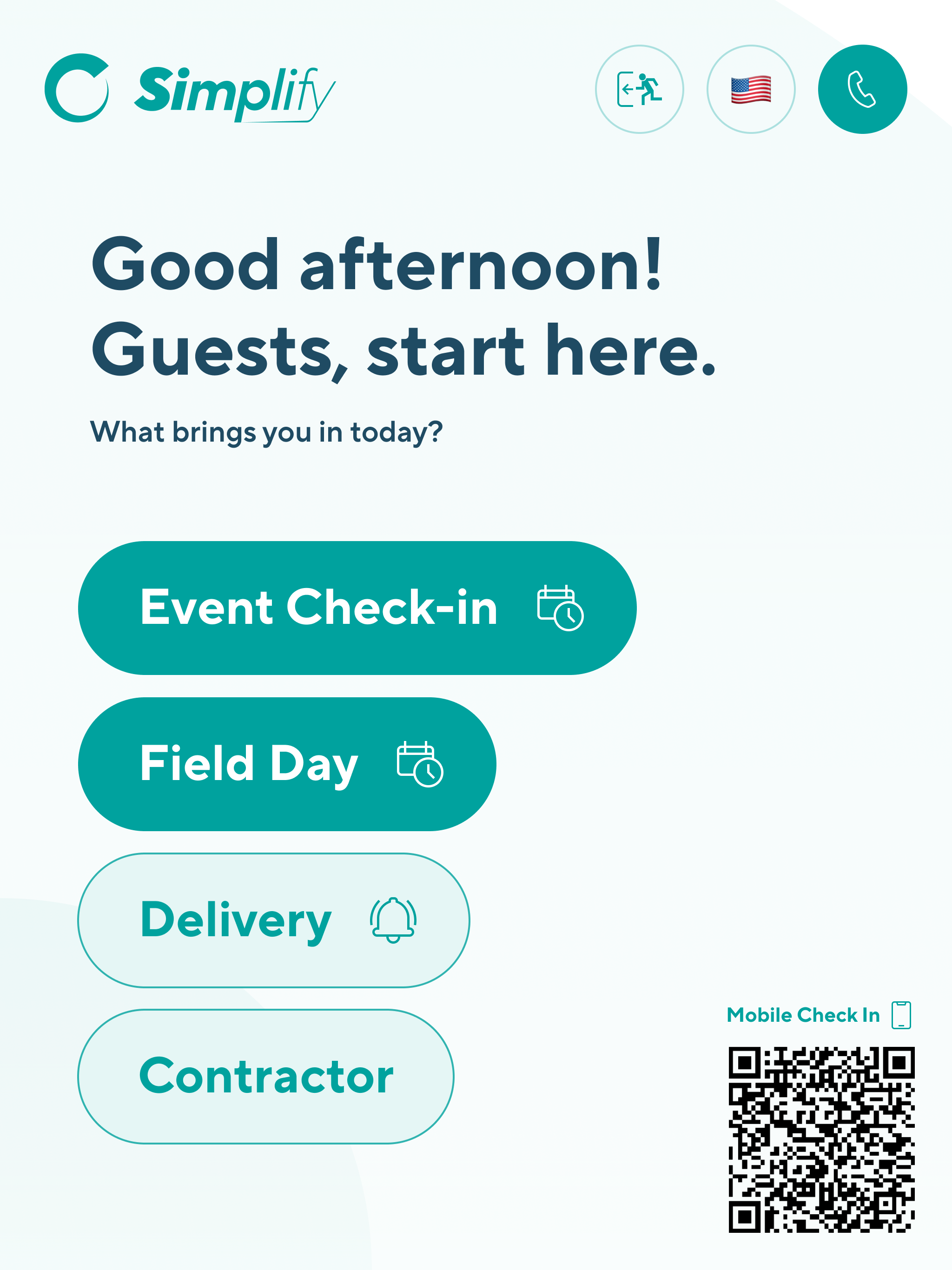
ゲストイベントは、イベントに明示的に招待されていない人でも参加予定として登録できるように設定できます。イベント当日、飛び込み参加者を受け入れるイベントは、ゲスト用タブレットおよび [モバイルサインイン](/guest/ja/she-ding/guest-sites/manage-qr-codes-for-mobile-sign-in.md) ページで、来訪者は現地のQRコードをスキャンしてアクセスします。
事前登録した参加者は、このオプションを使って出席済みとして登録できます。招待リストに入っていなかった参加者や事前登録していなかった参加者は、このオプションを使ってイベントに登録できます。
***
## 飛び込み参加者を許可
イベント主催者は、必要に応じてイベントで飛び込み参加者を受け入れるよう、いくつかの異なる方法で設定できます。
* [コマンドからゲストイベントを作成する](/guest/ja/she-ding/guest-events/create-guest-events-from-command.md)
* [従業員ポータルからゲストイベントを作成する](/guest/ja/she-ding/guest-events/manage-events-from-the-employee-portal.md)
* [Outlookアドインからゲストイベントを作成する](/guest/ja/she-ding/guest-events/verkada-guest-events-outlook-add-in.md)
* [Googleカレンダーアドオンからゲストイベントを作成する](/guest/ja/she-ding/guest-events/verkada-guest-google-calendar-add-on.md)
---
# Agent Instructions
This documentation is published with GitBook. GitBook is the documentation platform designed so that both humans and AI agents can read, navigate, and reason over technical content effectively. Learn more at gitbook.com.
## Querying This Documentation
If you need additional information that is not directly available in this page, you can query the documentation by asking a question.
Perform an HTTP GET request on the following URL with the `ask` and `goal` query parameters:
```
GET https://help.verkada.com/guest/ja/she-ding/guest-events/gesutoibentonowokereru.md?ask=&goal=
```
`ask` is the immediate question: it should be specific, self-contained, and written in natural language.
`goal` is what the user is ultimately trying to achieve, the reason they need the answer. Sharing it helps GitBook give you a better, more relevant answer. A goal is most helpful when it describes the outcome the user wants rather than restating the question. For example, with `ask=how do I create an API token`, a goal like `automate deployments from our CI pipeline` lets GitBook tailor the answer to that use case.
The response will contain a direct answer to the question and relevant excerpts and sources from the documentation.
Use this mechanism when the answer is not explicitly present in the current page, you need clarification or additional context, or you want to retrieve related documentation sections.