# 계정 확인

Command 계정의 보안을 강화하기 위해 Verkada는 모든 Command 사용자가 이메일 주소를 인증하도록 요구합니다. 이메일을 인증하면 설정된 알림을 포함하여 Verkada Command 계정과 관련된 모든 알림 및 이메일을 받을 수 있습니다.

***

## 이메일 인증

{% hint style="danger" %}
조직에서 구성된 알림을 받으려면 이메일을 인증해야 합니다.
{% endhint %}

{% stepper %}
{% step %}
**Verkada Command 계정에 로그인합니다.**
{% endstep %}

{% step %}
**왼쪽 하단에서 조직 이름을 선택합니다.**

* 다음이 보이면 **녹색 체크 표시** 가 이메일 옆에 있으면 이메일이 인증된 것입니다.
* 인증되지 않은 경우 **이메일 인증**.

<div align="left" data-with-frame="true"><img src="/files/67871ebd01df90c2b5205e27045a398346f5d125" alt=""></div>

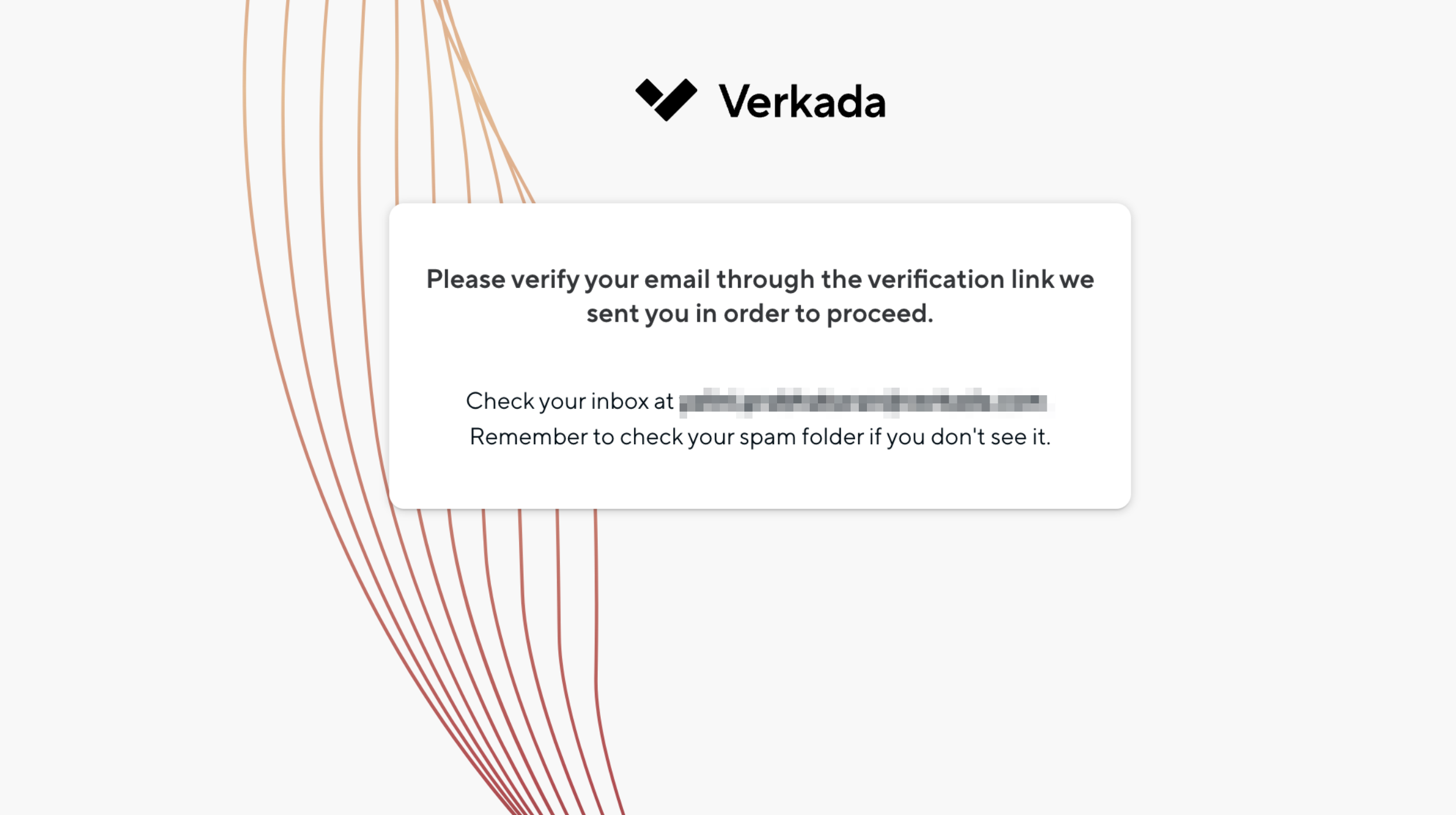
이 작업은 <no-reply@command.verkada.com>에서 인증 이메일을 보냅니다. 메일이 보이지 않으면 스팸 폴더를 확인하세요.

<div align="left" data-with-frame="true"><img src="/files/eef61b1dd1c9468153404078eba72ffe55cf422f" alt="" width="1247"></div>
{% endstep %}

{% step %}
**계정 설정을 선택하면 이메일이 인증됨으로 표시되어야 합니다.**
{% endstep %}

{% step %}
**인증 절차를 완료하려면 계속을 클릭합니다.**
{% endstep %}
{% endstepper %}

***

## 전화번호 인증

{% hint style="danger" %}
Command 계정과 관련된 SMS 알림을 받으려면 전화번호 인증이 필요합니다.
{% endhint %}

{% hint style="warning" %}
자신의 전화번호만 편집하고 인증할 수 있습니다. SCIM 관리 사용자라면 전화번호는 자동으로 인증됩니다.
{% endhint %}

{% stepper %}
{% step %}
**Command 계정에 로그인합니다.**
{% endstep %}

{% step %}
**왼쪽 하단에서 조직 이름을 선택합니다.**
{% endstep %}

{% step %}
**왼쪽 슬라이드아웃에서 내 계정을 클릭합니다.**
{% endstep %}

{% step %}
**프로필 옆에서** <i class="fa-pen-line">:pen-line:</i>.

1. 에서 **프로필**을 클릭하고 이름, 성, 이메일 주소, 전화번호를 입력합니다.
2. 클릭 **저장합니다.**&#x20;
3. 인증 코드가 전송되어야 합니다. 인증 팝업에 코드를 입력하고 **인증을 클릭합니다.**

{% hint style="warning" %}
계정이 외부에서 관리되는 경우 이름이나 이메일 주소를 편집할 수 없습니다. 자세한 내용은 [ID 공급자](/command/ko/security/identity-providers.md) 를 참조하세요.&#x20;
{% endhint %}
{% endstep %}

{% step %}
**인증이 성공하면&#x20;*****인증됨*****&#x20;이 전화번호 옆에 표시됩니다.**
{% endstep %}
{% endstepper %}


---

# Agent Instructions: Querying This Documentation

If you need additional information that is not directly available in this page, you can query the documentation dynamically by asking a question.

Perform an HTTP GET request on the current page URL with the `ask` query parameter:

```
GET https://help.verkada.com/command/ko/security/authentication-overview/verify-your-verkada-command-account.md?ask=<question>
```

The question should be specific, self-contained, and written in natural language.
The response will contain a direct answer to the question and relevant excerpts and sources from the documentation.

Use this mechanism when the answer is not explicitly present in the current page, you need clarification or additional context, or you want to retrieve related documentation sections.