> For the complete documentation index, see [llms.txt](https://help.verkada.com/llms.txt). Markdown versions of documentation pages are available by appending `.md` to page URLs; this page is available as [Markdown](https://help.verkada.com/command/ja/sekyuriti/privacy-and-security-disclosure/restricted-devices.md).
# 制限付きデバイス
オーガナイゼーション'で制限付きデバイスを見つけたときの対応方法を学ぶ
デバイスが *制限されている*場合、それは Verkada がこのデバイスが紛失または盗難に遭ったと判断したことを意味します。
***
## Verkada がデバイスを制限する方法
{% stepper %}
{% step %}
**私たちは、デバイスが所有権主張されているオーガナイゼーション'のオーガナイゼーション'管理者(Org Admins)にアラートします。**
{% endstep %}
{% step %}
**48時間後、デバイスは Verkada Command のオーガナイゼーション'から削除され、他のオーガナイゼーション'に追加できなくなります。**
{% endstep %}
{% endstepper %}
### Verkadaサポートに問い合わせる
制限されたデバイスに関するメールを受け取った場合は、 [Verkadaサポート](https://www.verkada.com/support/) できるだけ早くご連絡ください。
{% hint style="warning" %}
セキュリティ上の理由から、制限されたデバイスについては言及しません。 [Verkadaサポート](/command/ja/herupugadesuka/contact-verkada-support.md) サポートまでお問い合わせください。
{% endhint %}
***
### 受信する可能性のあるメールの例
#### 例1
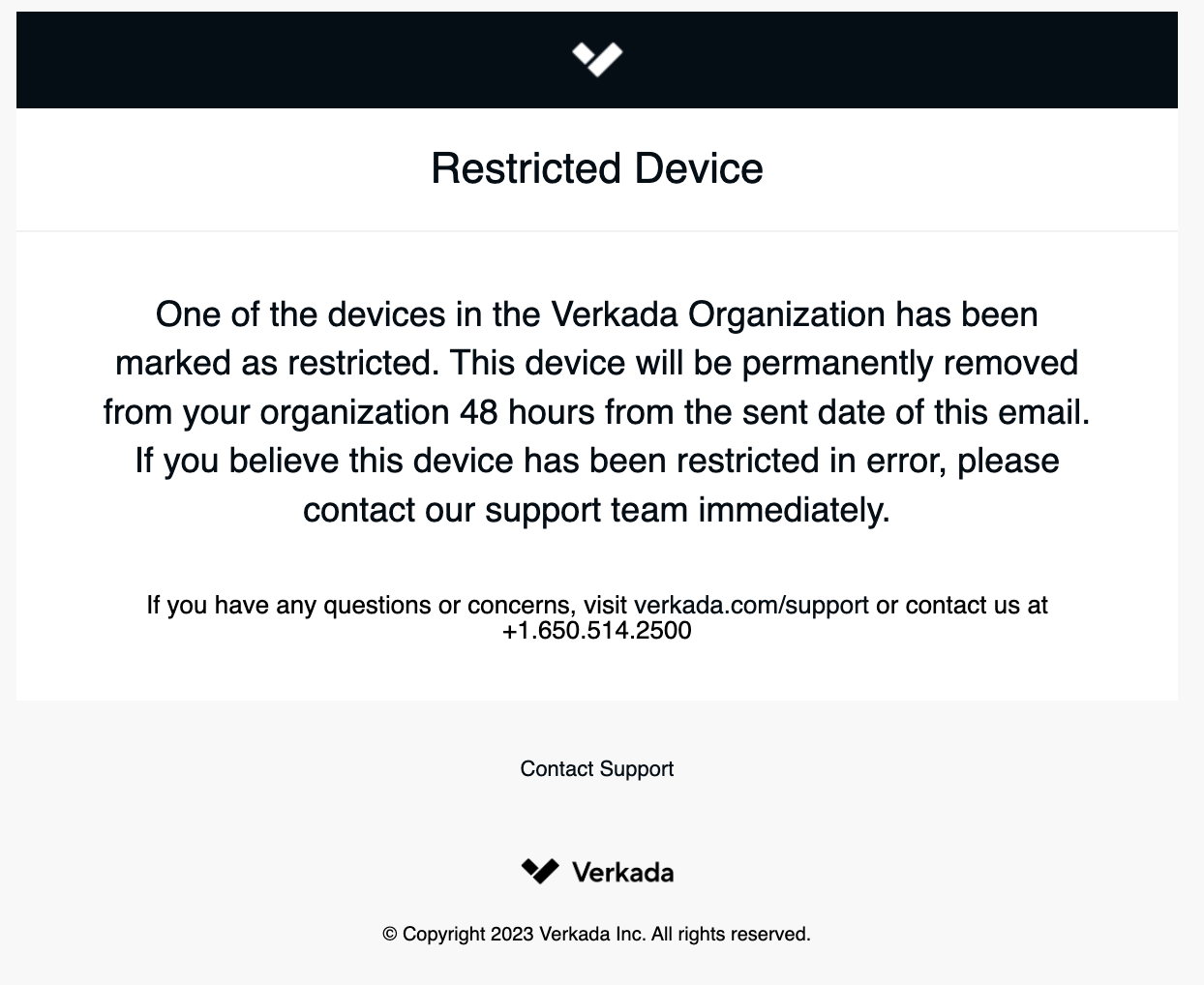
**件名**:\[対応が必要]: 制限されたデバイスを検出
**本文**オーガナイゼーション'内のデバイスの1つが制限対象としてマークされました。このデバイスは、このメールが送信された日から48時間後に、オーガナイゼーション'から恒久的に削除されます。このデバイスが誤って制限されたと思われる場合は、直ちにサポートチームまでご連絡ください。
### 例2
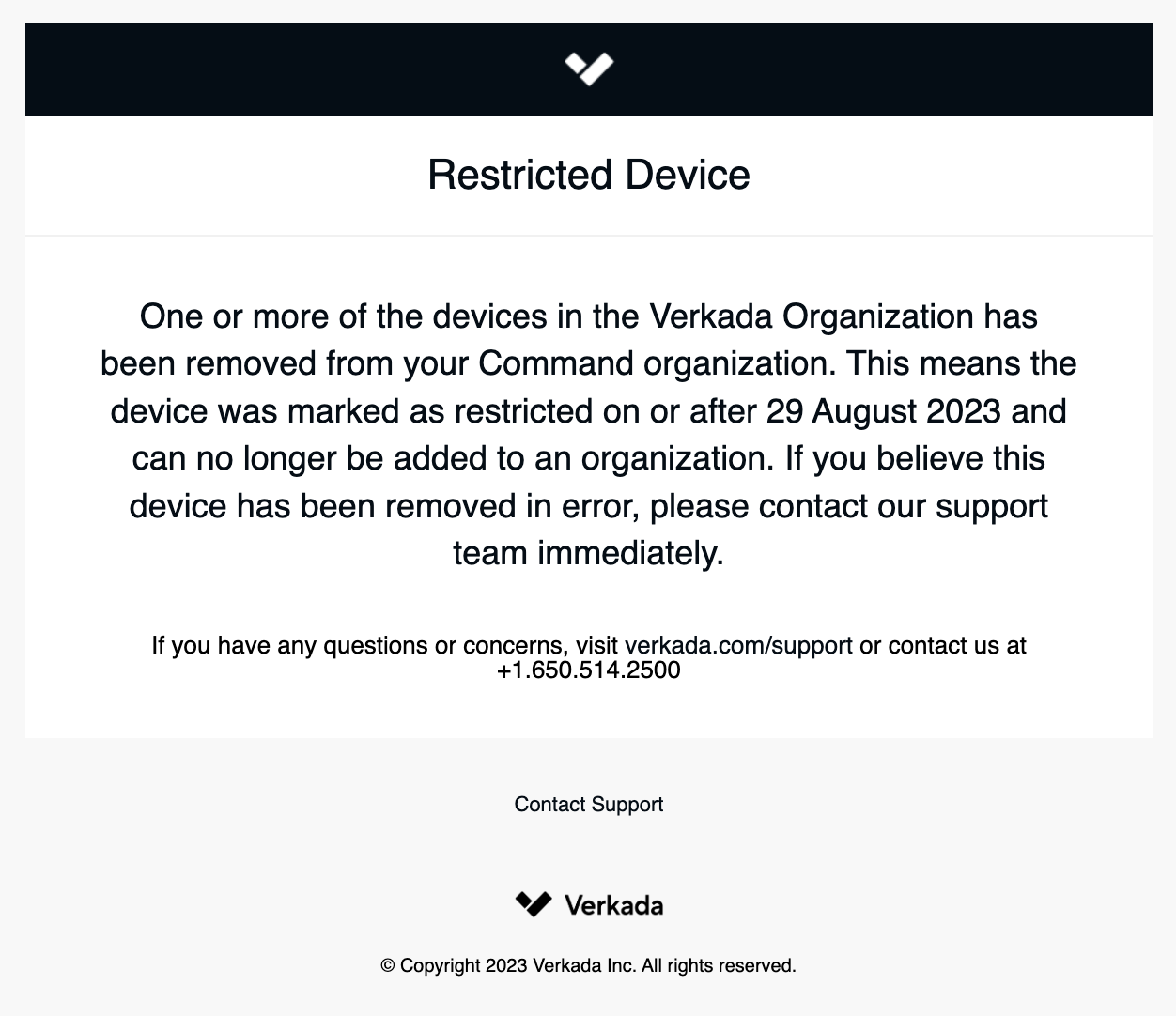
**件名**:Command から制限されたデバイスが削除されました
**本文**オーガナイゼーション'内の1つ以上のデバイスが、あなたのCommandオーガナイゼーション'から削除されました。これは、デバイスが指定日時以降に制限対象としてマークされ、もはやオーガナイゼーション'に追加できないことを意味します。このデバイスが誤って削除されたと思われる場合は、直ちにサポートチームまでご連絡ください。
---
# Agent Instructions
This documentation is published with GitBook. GitBook is the documentation platform designed so that both humans and AI agents can read, navigate, and reason over technical content effectively. Learn more at gitbook.com.
## Querying This Documentation
If you need additional information that is not directly available in this page, you can query the documentation by asking a question.
Perform an HTTP GET request on the following URL with the `ask` and `goal` query parameters:
```
GET https://help.verkada.com/command/ja/sekyuriti/privacy-and-security-disclosure/restricted-devices.md?ask=&goal=
```
`ask` is the immediate question: it should be specific, self-contained, and written in natural language.
`goal` is what the user is ultimately trying to achieve, the reason they need the answer. Sharing it helps GitBook give you a better, more relevant answer. A goal is most helpful when it describes the outcome the user wants rather than restating the question. For example, with `ask=how do I create an API token`, a goal like `automate deployments from our CI pipeline` lets GitBook tailor the answer to that use case.
The response will contain a direct answer to the question and relevant excerpts and sources from the documentation.
Use this mechanism when the answer is not explicitly present in the current page, you need clarification or additional context, or you want to retrieve related documentation sections.