> For the complete documentation index, see [llms.txt](https://help.verkada.com/llms.txt). Markdown versions of documentation pages are available by appending `.md` to page URLs; this page is available as [Markdown](https://help.verkada.com/command/ja/sekyuriti/privacy-and-security-disclosure/enable-data-sharing-with-verkada.md).
# データ共有を有効にする
Verkadaの製品改善に役立てるためにデータを共有する方法を学ぶ
## Verkadaとカメラデータを共有する
カメラの映像をVerkadaと共有することで、すべてのVerkadaカメラにわたる分析機能の開発と改善が進みます。
{% hint style="warning" %}
これはオプトイン機能で、既定では無効になっています。このトグルは[Enable Support Access]トグルとは別です [トグル](/command/ja/herupugadesuka/contact-verkada-support/enable-support-access.md)。オプトインすると、Verkadaのエンジニアリングが、モデル学習のために画像や動画を収集、保存、閲覧、注釈付けし、派生物を作成することが許可されます。すべてのデータは当社のAmazon Web Services (AWS)バックエンドから収集され、カメラから直接収集されることはありません。この機能は **許可しません** Verkadaサポートがカメラの画像や動画にアクセスすることを。
**この設定は、当社のコンピュータービジョン機能のモデル学習を含む、研究開発のためにカメラの映像をVerkadaと共有する場合にのみ適用されます。その他のイベントタイプやシステムデータは含まれません。**
{% endhint %}
{% stepper %}
{% step %}
**Verkada Command で、All Products > Admin に移動します。**
{% endstep %}
{% step %}
**左側のナビゲーションで、Data Privacyを選択します。**
{% endstep %}
{% step %}
**[Share camera data with Verkada]をオンにします。**
{% endstep %}
{% step %}
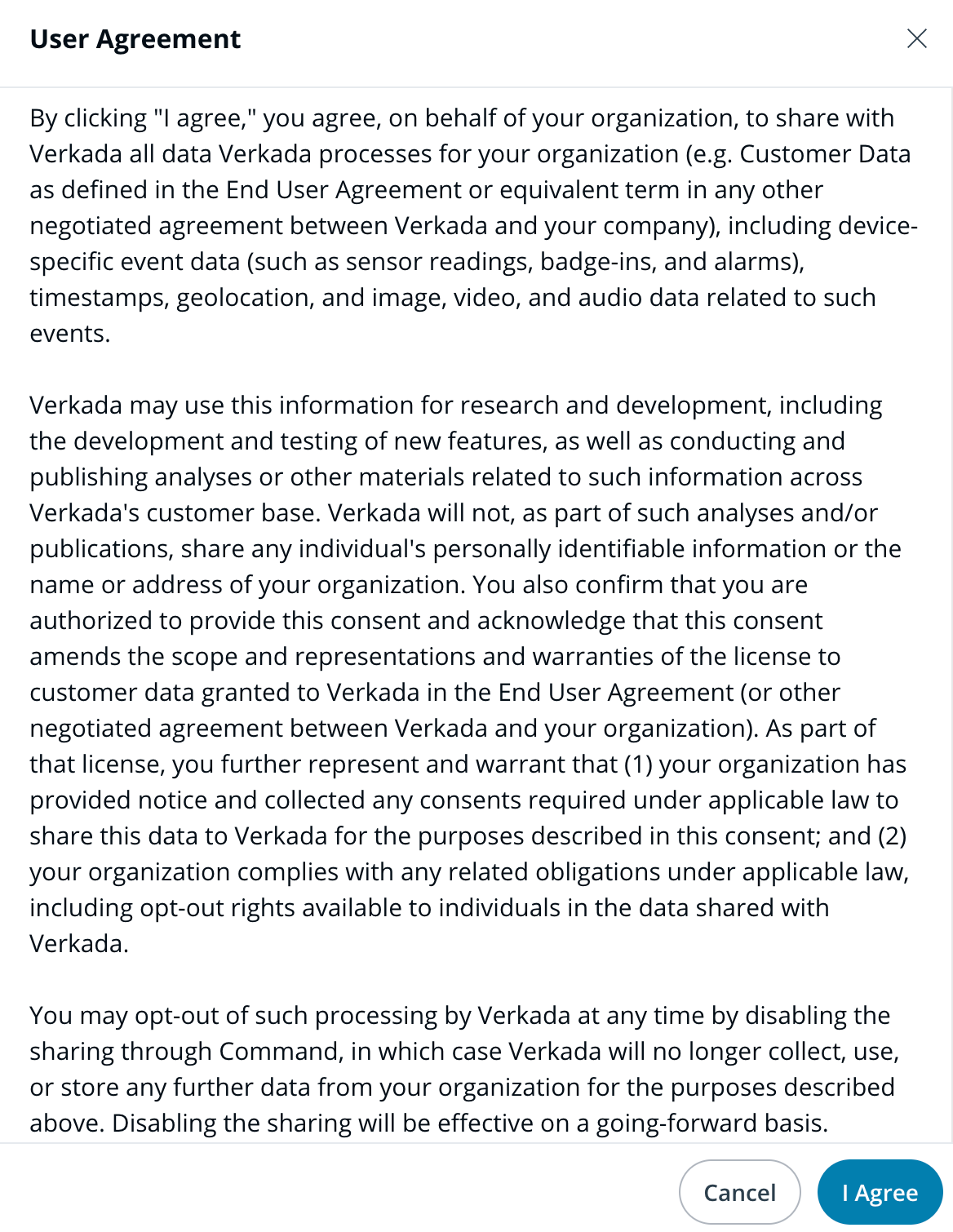
**ユーザー契約の案内が表示されたら、[I Agree]をクリックして確認します。**
{% endstep %}
{% endstepper %}
***
## Verkadaと製品データを共有する
新機能の開発とテストを支援するために、追加の製品データをVerkadaと共有することも任意で選択できます。これには、センサー、アクセスイベント、アラーム、バッジインなど、さまざまなVerkada製品に関連付けられたデバイス固有およびイベント固有のデータが含まれます。
{% stepper %}
{% step %}
**Verkada Command で、All Products > Admin に移動します。**
{% endstep %}
{% step %}
**左側のナビゲーションで、Data Privacyを選択します。**
{% endstep %}
{% step %}
**[Share product data with Verkada]をオンにします**
{% endstep %}
{% step %}
**ユーザー契約の案内が表示されたら、[I Agree]をクリックして確認します。**
{% endstep %}
{% endstepper %}
---
# Agent Instructions
This documentation is published with GitBook. GitBook is the documentation platform designed so that both humans and AI agents can read, navigate, and reason over technical content effectively. Learn more at gitbook.com.
## Querying This Documentation
If you need additional information that is not directly available in this page, you can query the documentation by asking a question.
Perform an HTTP GET request on the following URL with the `ask` and `goal` query parameters:
```
GET https://help.verkada.com/command/ja/sekyuriti/privacy-and-security-disclosure/enable-data-sharing-with-verkada.md?ask=&goal=
```
`ask` is the immediate question: it should be specific, self-contained, and written in natural language.
`goal` is what the user is ultimately trying to achieve, the reason they need the answer. Sharing it helps GitBook give you a better, more relevant answer. A goal is most helpful when it describes the outcome the user wants rather than restating the question. For example, with `ask=how do I create an API token`, a goal like `automate deployments from our CI pipeline` lets GitBook tailor the answer to that use case.
The response will contain a direct answer to the question and relevant excerpts and sources from the documentation.
Use this mechanism when the answer is not explicitly present in the current page, you need clarification or additional context, or you want to retrieve related documentation sections.