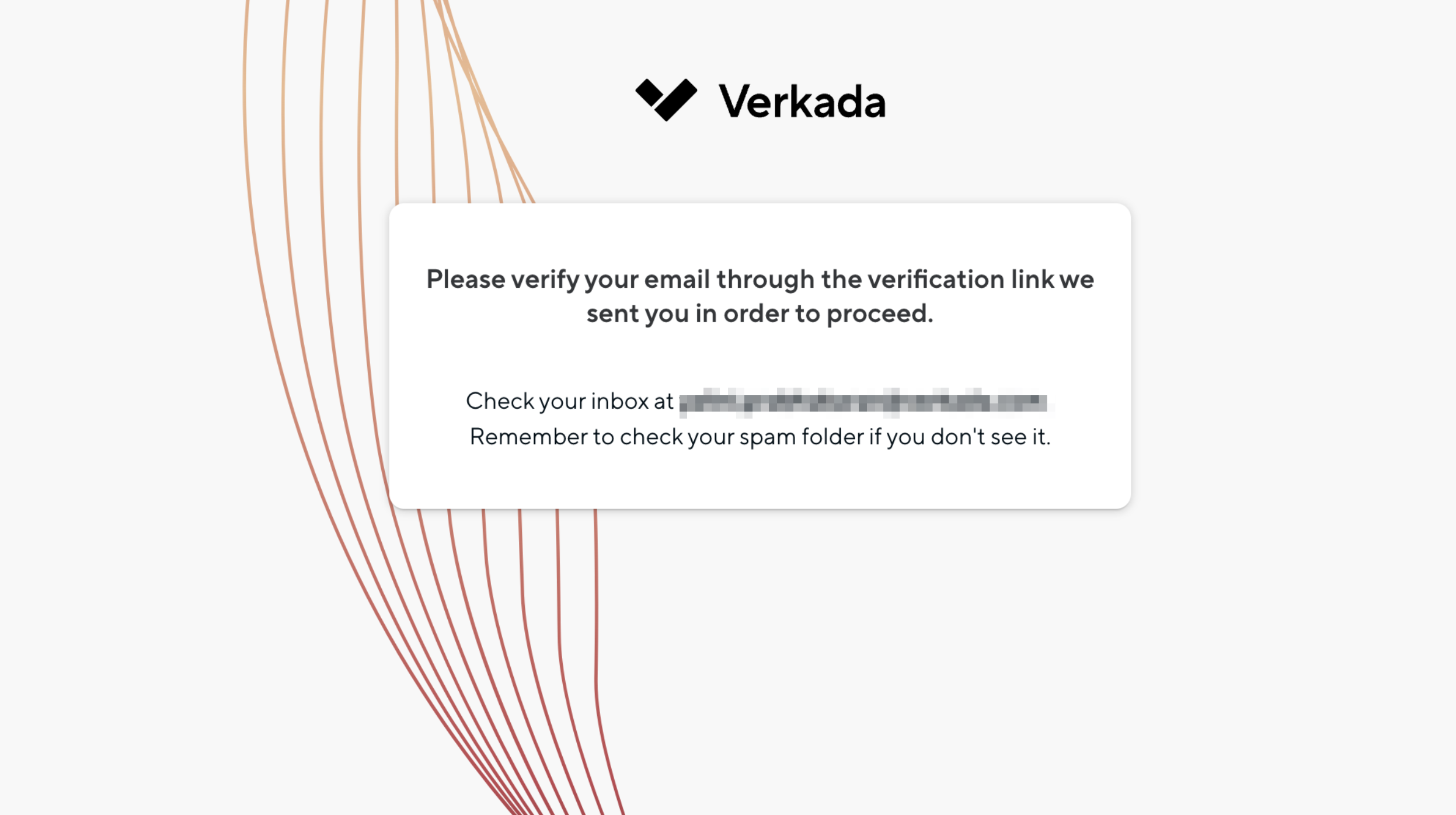
# アカウントを確認する

Commandアカウントのセキュリティを強化するため、VerkadaではすべてのCommandユーザーにメールアドレスの確認を求めています。メールを確認すると、設定済みのアラートを含む、Verkada Commandアカウントに関連するすべての通知とメールを受信できます。

***

## メールを確認

{% hint style="danger" %}
オーガナイゼーション'内で設定済みのアラートを受信するには、メールの確認が必要です。
{% endhint %}

{% stepper %}
{% step %}
**Verkada Commandアカウントにログインします。**
{% endstep %}

{% step %}
**左下で、オーガナイゼーション'名を選択します。**

* 次のような表示があれば **緑のチェックマーク** がメールアドレスの横に表示されていれば、メールは確認済みです。
* 確認されていない場合は、 **メールを確認**.

<div align="left" data-with-frame="true"><img src="/files/dab8f20b9c0d6a6463a058cb78f7dfeca50a7077" alt=""></div>

をクリックします。これにより、<no-reply@command.verkada.com> から確認メールが送信されます。表示されない場合は、迷惑メールフォルダを確認してください。

<div align="left" data-with-frame="true"><img src="/files/a132b682b6b7374ddd191fe280cd20a0cd6bf2f8" alt="" width="1247"></div>
{% endstep %}

{% step %}
**\[アカウント設定] を選択すると、メールは確認済みとして表示されるはずです。**
{% endstep %}

{% step %}
**\[続行] をクリックして確認手続きを完了します。**
{% endstep %}
{% endstepper %}

***

## 電話番号を確認

{% hint style="danger" %}
Commandアカウントに関連するSMS通知を受信するには、電話番号の確認が必要です。
{% endhint %}

{% hint style="warning" %}
編集および確認できるのは自分の電話番号のみです。SCIMで管理されているユーザーの場合、電話番号は自動的に確認されます。
{% endhint %}

{% stepper %}
{% step %}
**Commandアカウントにログインします。**
{% endstep %}

{% step %}
**左下で、オーガナイゼーション'名を選択します。**
{% endstep %}

{% step %}
**左側のスライドアウトで、\[マイアカウント] をクリックします。**
{% endstep %}

{% step %}
**\[プロフィール] の横にある** <i class="fa-pen-line">:pen-line:</i>.

1. \[オン] **プロフィール**に、名、姓、メールアドレス、電話番号を入力します。
2. をクリックします。 **保存。**&#x20;
3. 確認コードが送信されます。確認ポップアップに入力して、 **\[確認]**

{% hint style="warning" %}
をクリックします。アカウントが外部で管理されている場合、名前またはメールアドレスは編集できません。詳細は [IDプロバイダー](/command/ja/sekyuriti/identity-providers.md) を参照してください。&#x20;
{% endhint %}
{% endstep %}

{% step %}
**確認が成功すると、&#x20;*****確認済み*****&#x20;が電話番号の横に表示されます。**
{% endstep %}
{% endstepper %}


---

# Agent Instructions: Querying This Documentation

If you need additional information that is not directly available in this page, you can query the documentation dynamically by asking a question.

Perform an HTTP GET request on the current page URL with the `ask` query parameter:

```
GET https://help.verkada.com/command/ja/sekyuriti/authentication-overview/verify-your-verkada-command-account.md?ask=<question>
```

The question should be specific, self-contained, and written in natural language.
The response will contain a direct answer to the question and relevant excerpts and sources from the documentation.

Use this mechanism when the answer is not explicitly present in the current page, you need clarification or additional context, or you want to retrieve related documentation sections.