> For the complete documentation index, see [llms.txt](https://help.verkada.com/llms.txt). Markdown versions of documentation pages are available by appending `.md` to page URLs; this page is available as [Markdown](https://help.verkada.com/command/es/seguridad/authentication-overview/verify-your-verkada-command-account.md).

# Verificar su cuenta

Para mejorar la seguridad de su cuenta de Command, Verkada requiere que todos los usuarios de Command tengan direcciones de correo electrónico verificadas. Verificar su correo electrónico garantiza que reciba todas las notificaciones y correos electrónicos relacionados con su cuenta Verkada Command, incluidas las alertas configuradas.

***

## Verificar su correo electrónico

{% hint style="danger" %}
Debe verificar su correo electrónico para recibir las alertas configuradas en su organización.
{% endhint %}

{% stepper %}
{% step %}
**Inicie sesión en su cuenta Verkada Command.**
{% endstep %}

{% step %}
**En la parte inferior izquierda, seleccione el nombre de su organización.**

* Si ve una **marca de verificación verde** junto a su correo electrónico, su correo electrónico está verificado.
* Si no está verificado, haga clic en **Verificar correo electrónico**.

<div align="left" data-with-frame="true"><img src="/files/1c7466fad81341ce4c5a0d667f7df54834e961cd" alt=""></div>

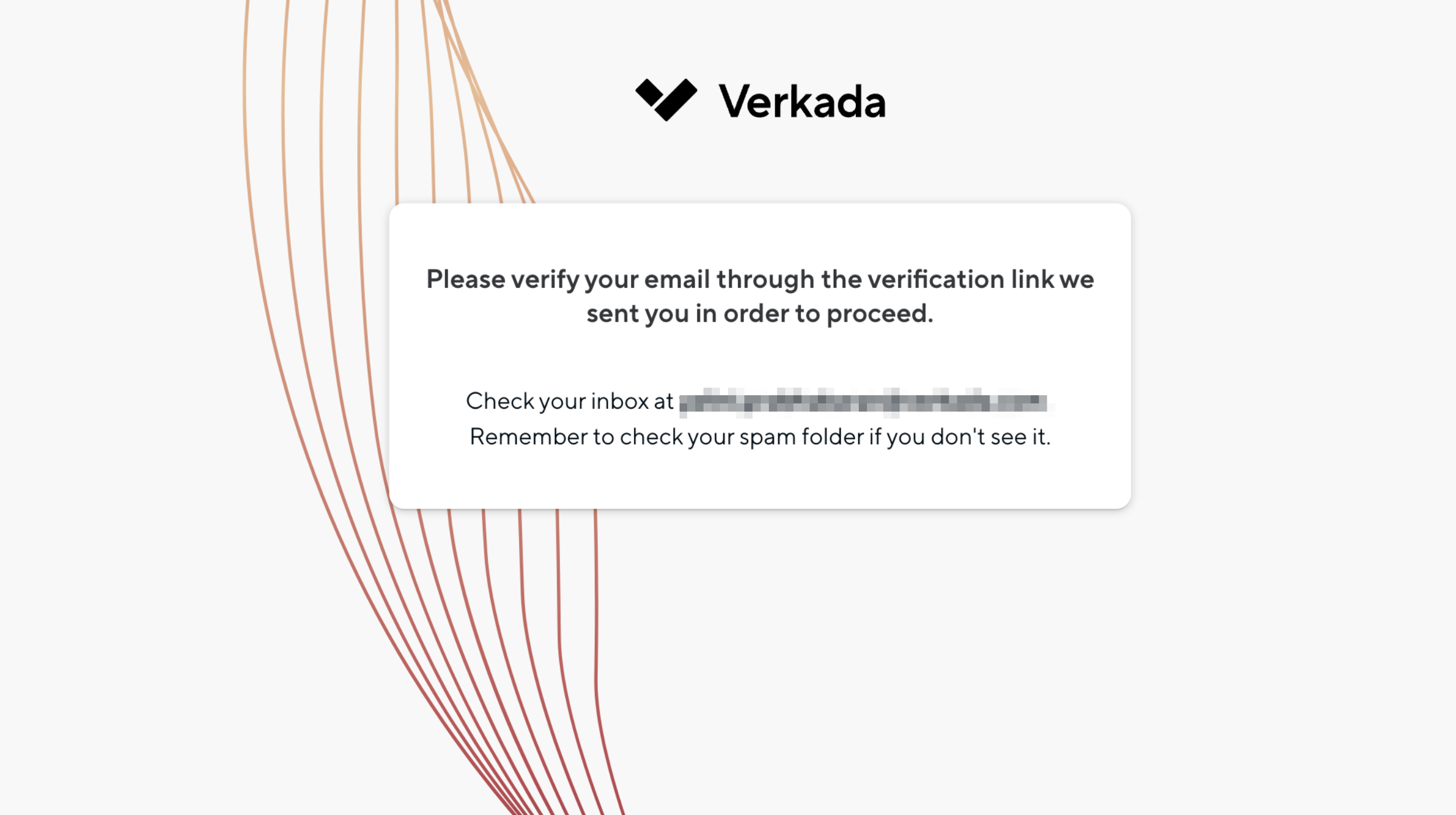
Esto envía un correo electrónico de verificación desde <no-reply@command.verkada.com>. Revise su carpeta de correo no deseado si no lo ve.

<div align="left" data-with-frame="true"><img src="/files/bfd442993029addf77d9dbe323d463b713a66ef7" alt="" width="1247"></div>
{% endstep %}

{% step %}
**Seleccione Configuración de la cuenta y su correo electrónico debería aparecer como verificado.**
{% endstep %}

{% step %}
**Haga clic en Continuar para completar el proceso de verificación.**
{% endstep %}
{% endstepper %}

***

## Verifique su número de teléfono

{% hint style="danger" %}
Verificar su número de teléfono es necesario para recibir notificaciones por SMS relacionadas con su cuenta Command.
{% endhint %}

{% hint style="warning" %}
Solo puede editar y verificar su propio número de teléfono. Si es un usuario administrado por SCIM, su número de teléfono se verifica automáticamente.
{% endhint %}

{% stepper %}
{% step %}
**Inicie sesión en su cuenta Command.**
{% endstep %}

{% step %}
**En la parte inferior izquierda, seleccione el nombre de su organización.**
{% endstep %}

{% step %}
**En el panel lateral izquierdo, haga clic en Mi cuenta.**
{% endstep %}

{% step %}
**Junto a Perfil, haga clic en** <i class="fa-pen-line">:pen-line:</i>.

1. En **Perfil**, ingrese su nombre y apellido, dirección de correo electrónico y número de teléfono.
2. Haga clic en **Guardar.**&#x20;
3. Se le debe enviar un código de verificación. Ingréselo en la ventana emergente de verificación y haga clic en **Verificar.**

{% hint style="warning" %}
No puede editar su nombre ni su dirección de correo electrónico si su cuenta es administrada externamente. Consulte [Proveedores de identidad](/command/es/seguridad/identity-providers.md) para obtener más información.&#x20;
{% endhint %}
{% endstep %}

{% step %}
**Cuando la verificación sea exitosa,&#x20;*****Verificado*****&#x20;aparecerá junto a su número de teléfono.**
{% endstep %}
{% endstepper %}


---

# Agent Instructions
This documentation is published with GitBook. GitBook is the documentation platform designed so that both humans and AI agents can read, navigate, and reason over technical content effectively. Learn more at gitbook.com.

## Querying This Documentation
If you need additional information that is not directly available in this page, you can query the documentation dynamically by asking a question.

Perform an HTTP GET request on the current page URL with the `ask` query parameter, and the optional `goal` query parameter:

```
GET https://help.verkada.com/command/es/seguridad/authentication-overview/verify-your-verkada-command-account.md?ask=<question>&goal=<endgoal>
```

`ask` is the immediate question: it should be specific, self-contained, and written in natural language.
`goal` is optional and describes the broader end goal you are ultimately trying to accomplish on behalf of the user. GitBook uses it to tailor the answer towards what is most useful for that goal.

The response will contain a direct answer to the question and relevant excerpts and sources from the documentation.

Use this mechanism when the answer is not explicitly present in the current page, you need clarification or additional context, or you want to retrieve related documentation sections.
